Deployment can feel overwhelming. Start here — a short, calm intro to the path from 'it works on my computer' to 'it works for everyone.'

The first time you see words like "deploy," "GitHub," and "Vercel" together, it is easy to feel like you have stepped into a world meant for experts. You have not. These tools are built so that ordinary people can put an app on the internet without running their own servers.
This short post is the start of a short series. Here we only set the mindset. The rest of the series walks you step by step: what GitHub is, what deployment is (with Vercel), how to get your app online (including a real domain), and what to do when deployment errors appear.
Deployment is not a different kind of magic from what you have already been doing. You write code, you run it locally, and it works. Deploying means running that same application on someone else's computers (the host's) and giving it a public address. The ideas are the same; the location changes.
Think of it like opening a second location of a café. You already know how to make the coffee and run the till. The new place needs an address, electricity, and a sign outside. You do not become a different kind of person; you use a landlord (the host) and put your name on the door (the domain). GitHub and Vercel are the systems that help you hand over the recipe (your code) and get that second location open.
You do not have to be scared of it. Start with the mindset above, then follow the series in order — or jump to the topic you need most.

Put it all together: push to GitHub, deploy with Vercel, and register a domain so your app has a real address. Includes where to get a domain and how to point it at your app.
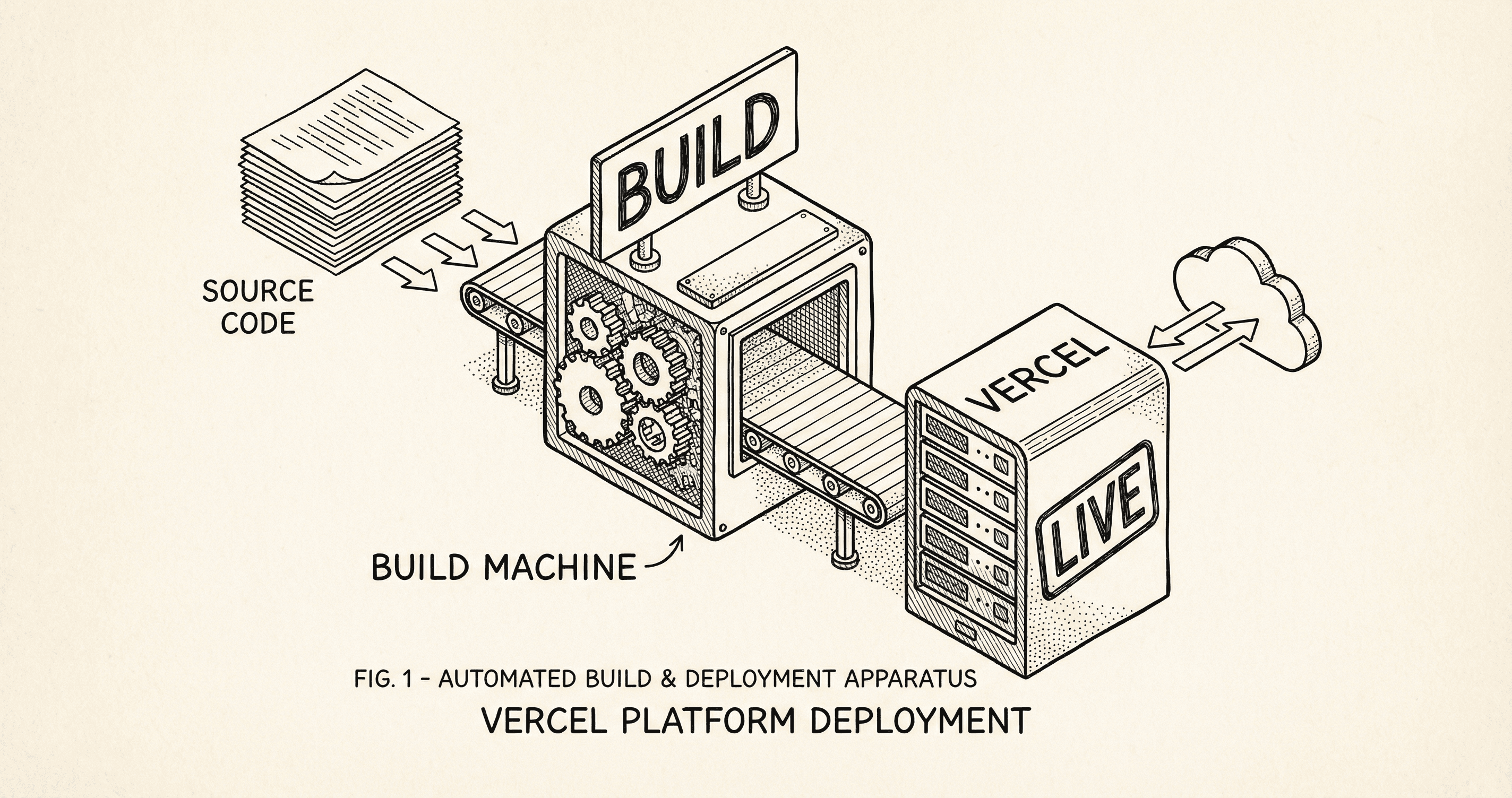
Deployment means your app runs on the internet instead of only on your computer. Here is what actually happens — build, upload, going live — and how Vercel does it when you push.
