Put it all together: push to GitHub, deploy with Vercel, and register a domain so your app has a real address. Includes where to get a domain and how to point it at your app.

You have your code on GitHub and you know how deployment works with Vercel. The last step for many builders is giving the app a real address: a domain like myapp.com. This post ties everything together and shows you how to register a domain and point it at your app.
You write code, commit and push to GitHub. Vercel is connected to that repo; when you push, Vercel builds and deploys. By default you get a URL like yourproject.vercel.app. When you are ready, you register a domain, add it in Vercel, and point the domain at Vercel using DNS. After that, your app is reachable at your own address with HTTPS.
.env.local, but with production values (production database URL, live API keys, etc.).yourproject.vercel.app).A domain is the name you buy and point at your host. You do not host the domain yourself; you buy it from a domain registrar and then tell it: when someone visits myapp.com, send them to my Vercel deployment. That "telling" is done with DNS records — a few settings you add at the registrar. Vercel's dashboard tells you exactly which records to add (often a CNAME or A record). You copy them, paste them at your registrar, wait for propagation (minutes to 48 hours), and your domain starts showing your app. Vercel then provisions an SSL certificate so your site is served over HTTPS automatically.
You can register a domain at any domain registrar: companies that sell and manage domain names. Pricing and interfaces vary. If you want a registrar from the same team that makes Ship Something™ and cares about builders getting online without friction, check out Haystack Names. Haystack Names is a domain product from the same company behind Ship Something™ — built for people who are launching products and want a straightforward place to register a domain and point it at their app. You search for a name, buy it, and follow the same DNS steps (add the records Vercel gives you) so your domain points to your Vercel deployment.
Whether you use Haystack Names or another registrar, the idea is the same: choose a name, register it, then in the registrar's DNS settings add the records your host (Vercel) provides. After that, your app is reachable at your own domain with HTTPS.
myapp.com).www pointing to cname.vercel-dns.com, or A record for the root domain). Copy them.Errors can happen — a failed build, a missing environment variable, or a typo in DNS. Those are fixable. There is a full guide on what deployment errors mean and how to handle them. The important thing is: the path from local to live is well trodden. GitHub holds your code, Vercel runs it, and a domain gives it a name.
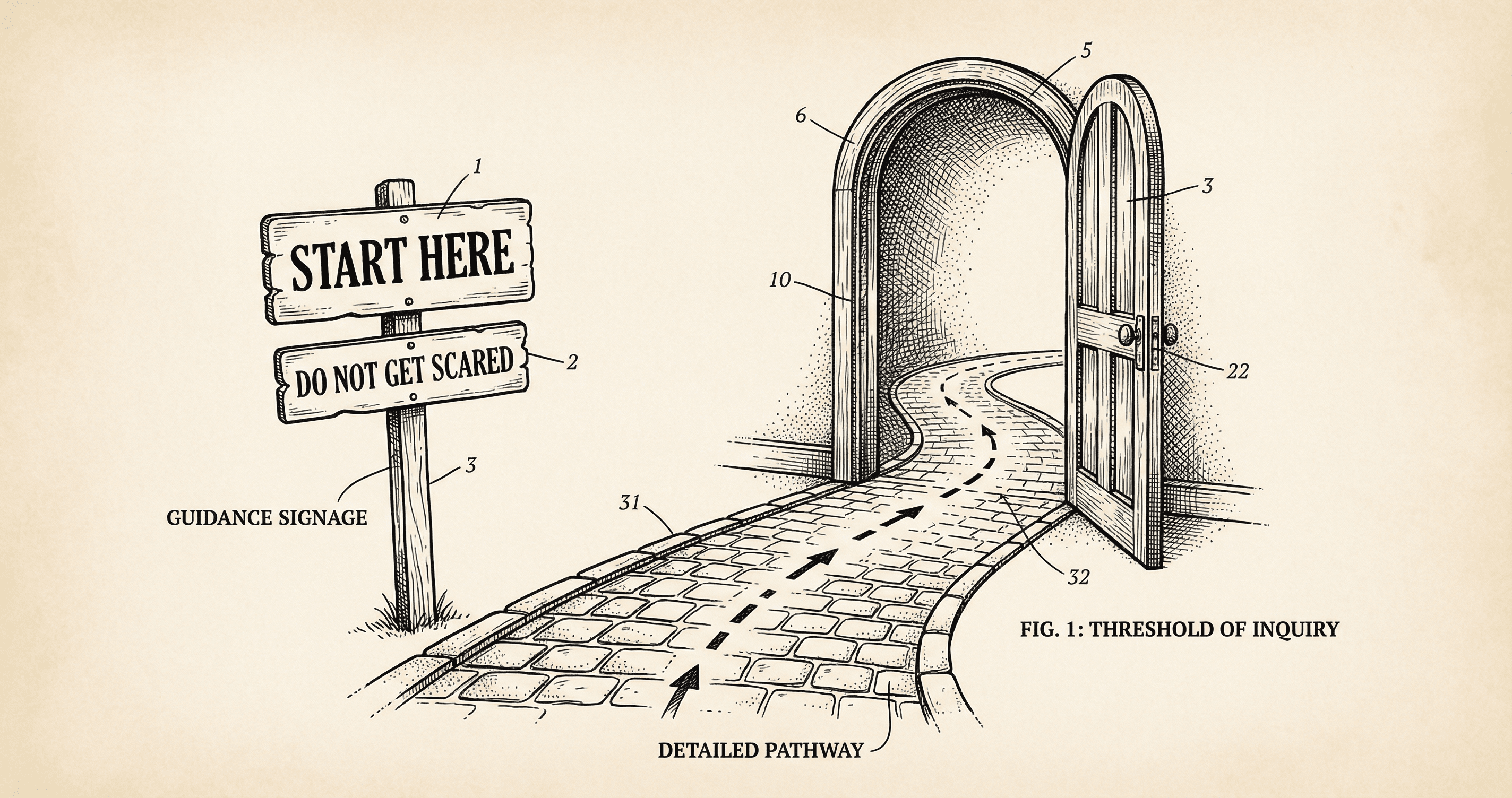
Deployment can feel overwhelming. Start here — a short, calm intro to the path from 'it works on my computer' to 'it works for everyone.'
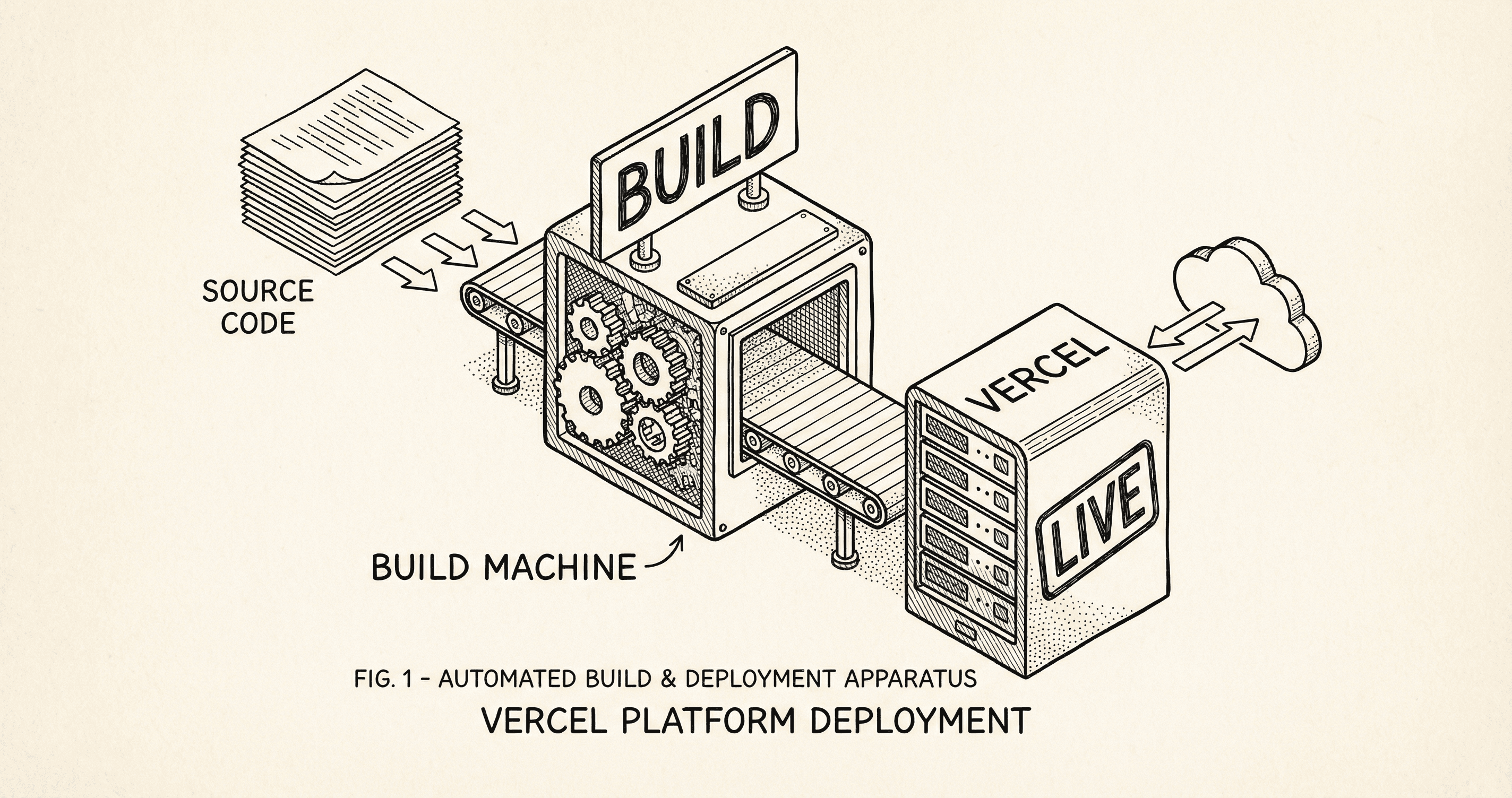
Deployment means your app runs on the internet instead of only on your computer. Here is what actually happens — build, upload, going live — and how Vercel does it when you push.
