GitHub is where your project lives online and what most hosts use to deploy. Here is what it is, why it matters, and how push connects your code to the rest of the pipeline.
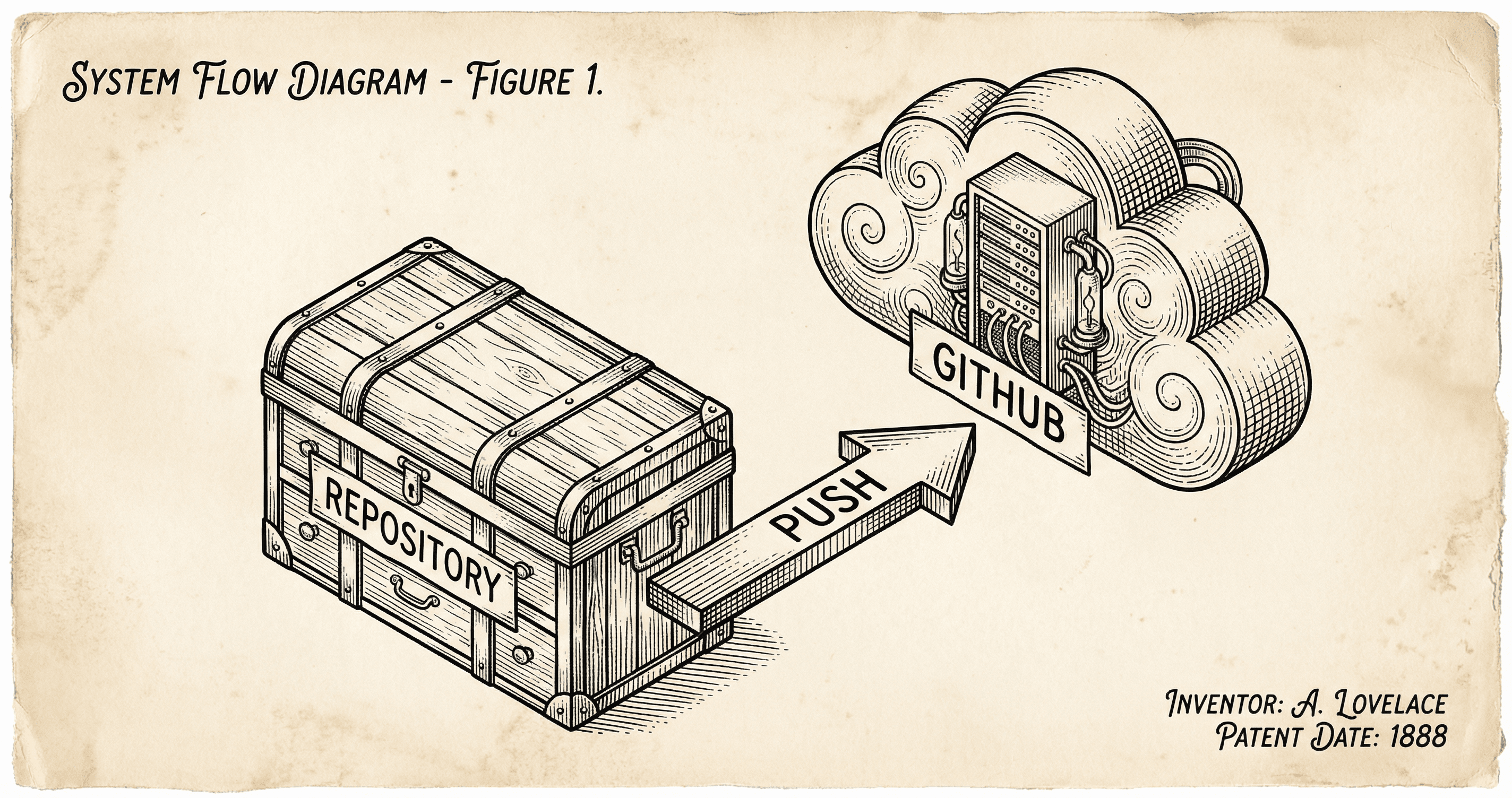
You have been using Git on your computer to track changes — commits, history, maybe branches. GitHub is that same project living on the internet. It is your code's home online and the place most hosting providers (like Vercel) look when they deploy. This post explains what GitHub is in the deployment story and what you need to do: push your code.
GitHub is a service that hosts your Git repository on the internet. Your repo on your machine has a history of commits and branches; GitHub holds a copy of that repo. When you push, you send your latest commits from your computer to GitHub. Your code is then backed up and available for other services to use — including your host, which can watch GitHub and deploy whenever you push.
Think of GitHub as the central filing cabinet for your project. You work in your local copy; when you are ready, you push updates to the cabinet. Anyone (or any service) with permission can look at the cabinet and use the latest version. For deployment, the "anyone" is your hosting provider: they connect to your GitHub repo and, when you push to the branch they watch (usually main), they run a build and deploy.
Most modern hosts do not ask you to upload files by hand. They connect to your remote repository (GitHub, or sometimes GitLab or Bitbucket). When you push to the connected branch, the host sees the update and starts a new build and deploy. So:
You do not need to learn every Git or GitHub feature to deploy. You need to push your code. The rest is one-time setup: create or connect the repo, connect it to the host, and set environment variables. After that, pushing is how you ship.
On your computer you already do something like:
git add . and git commit -m "Your message".git push (or git push origin main).That push sends your commits to GitHub. If your host is connected to this repo and watching the branch you pushed to, it will run a build and deploy. So "deploy" in this world often means "push." No separate "upload to production" step — push is the trigger.
origin). If you cloned the project from a template, you may have created your own repo and pushed to it; that repo is what the host will use.main (or another branch you chose). Push to that branch when you want a new deployment.GitHub is step one in the pipeline: your code lives there. Next, a host like Vercel uses that code to build and run your app. Read What Is Deployment? (Featuring Vercel) to see what happens after the push, and Getting Your App Online to add a domain and go fully live. If deployment fails, What Deployment Errors Mean and How to Handle Them will help you fix it.
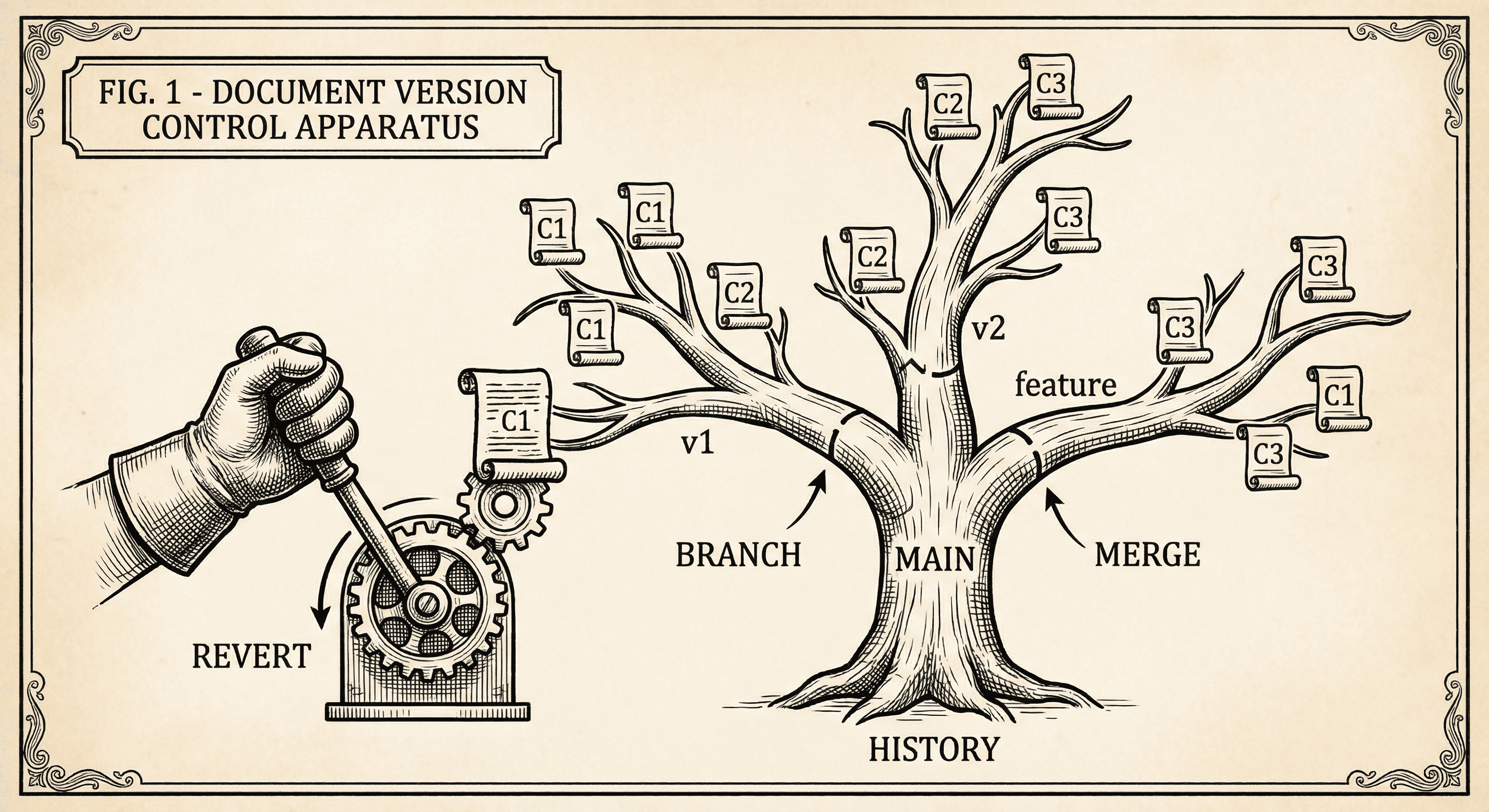
Version control tracks every change to your code and lets you undo mistakes, try ideas safely, and collaborate. Here is what Git does and why you should use it even if you are solo.
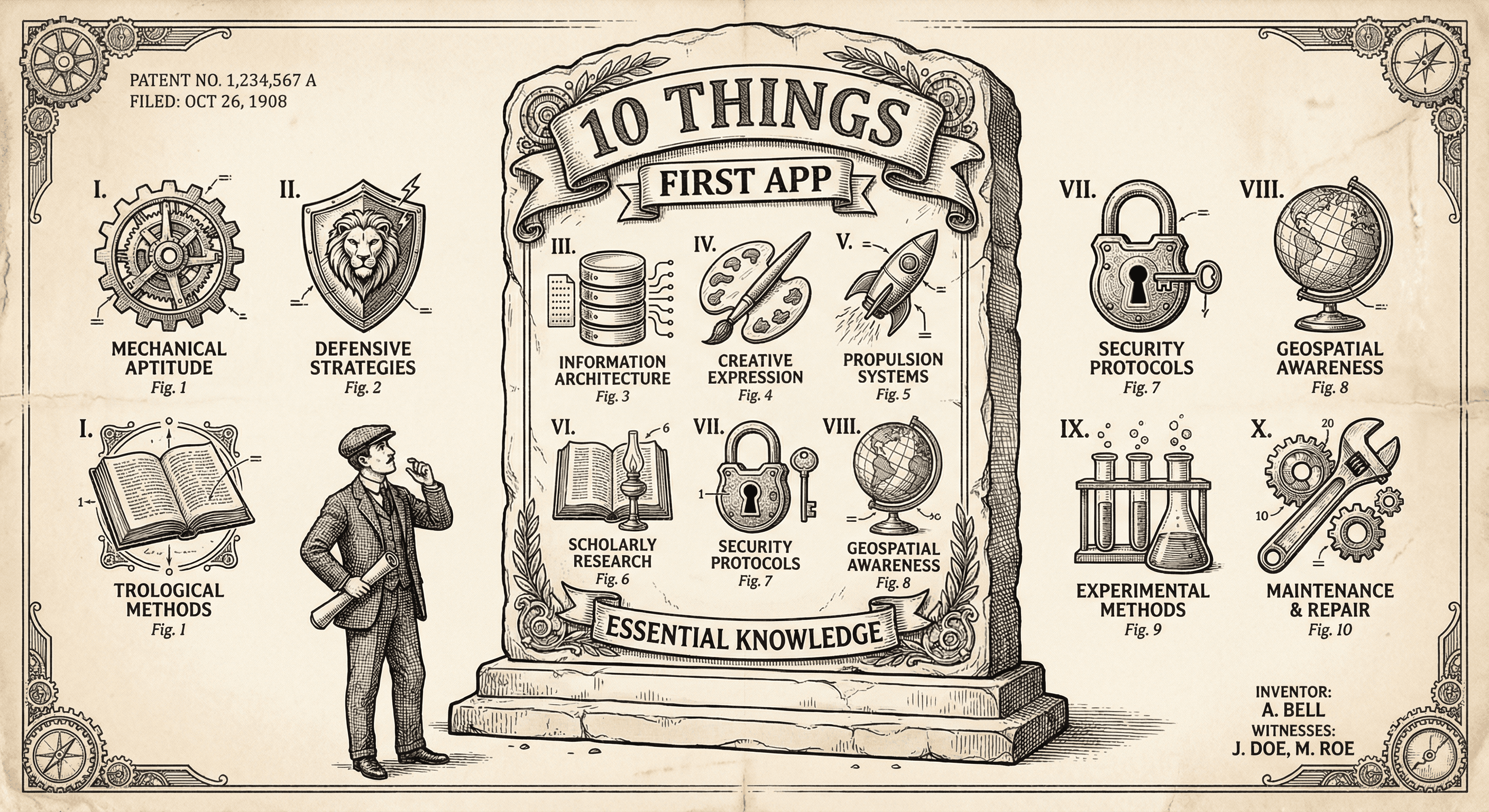
It is not easy, but if you learn these ten simple things before you build, you will be ahead of most first-time builders and avoid the worst pitfalls.
