It is not easy, but if you learn these ten simple things before you build, you will be ahead of most first-time builders and avoid the worst pitfalls.
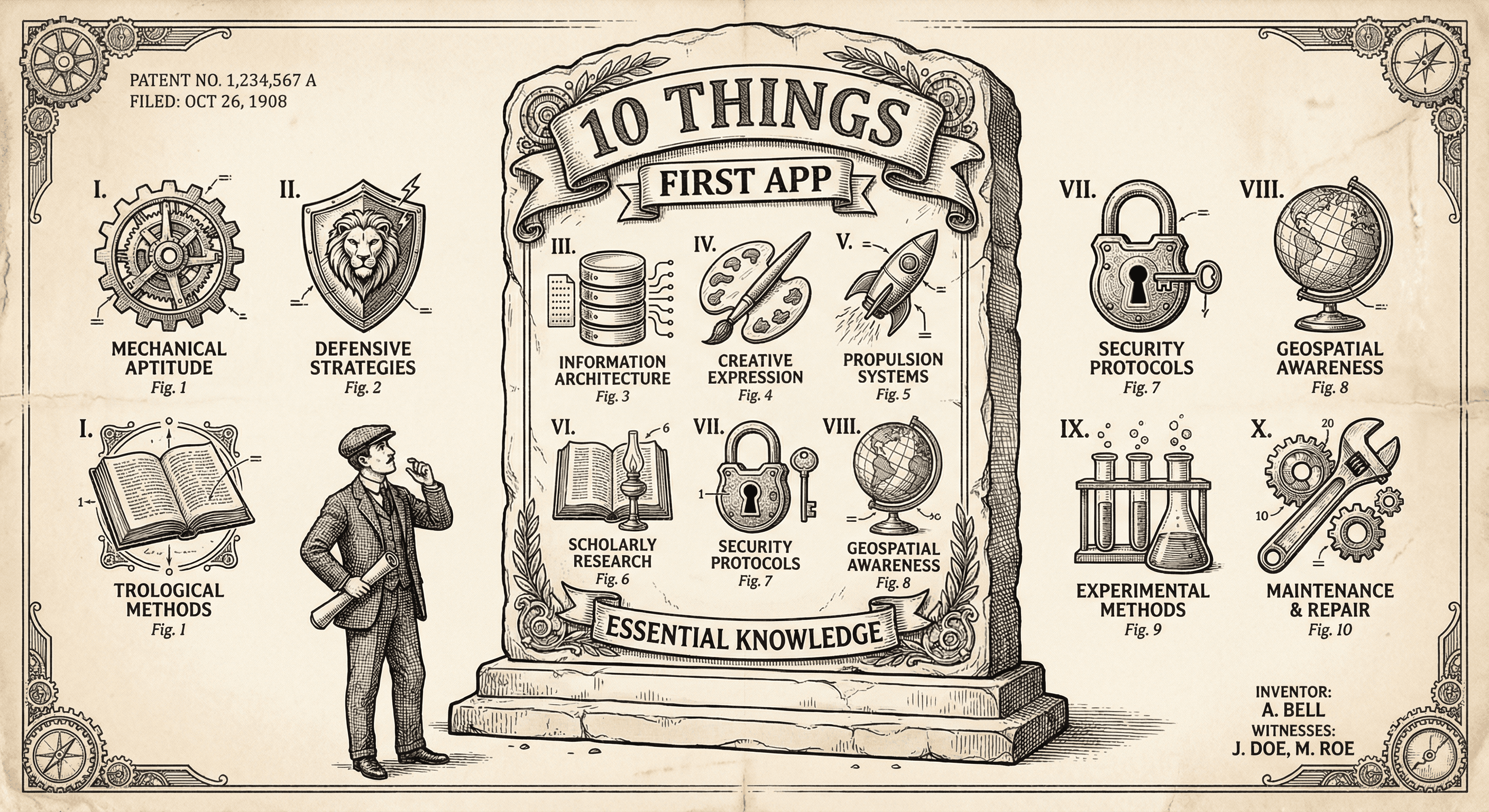
Building your first app is not as hard as it sounds — but it is also not easy. Most of the pain comes from not knowing a few fundamentals. Learn these ten things before (or very early in) your first build, and you will be ahead of most first-time builders. It will still take effort, but you will know what you are doing.
Auth, payments, security headers, and deployment are hard to get right. A production-ready template gives you all of that. Your job is to add your product — your flows, your copy, your logic — on top. Starting from zero means months of work on problems that are already solved. Use a template and focus on what makes your app yours.
API keys, database URLs, and other secrets must never live in your code. They go in environment variables — in a .env.local file locally and in your host's dashboard in production. Your app reads them at runtime. Copy .env.example to .env.local, fill in the values, and never commit .env.local to Git. When you deploy, set the same variable names (with production values) on your host.
Anything the user sends — form data, URL params, file uploads — must be checked on the server. The client can be bypassed. Use a schema library (e.g., Zod) to define what valid input looks like and reject the rest. If you skip this, you risk broken behavior, bad data, and security issues. Make validation part of every API route and form handler from day one.
Do not build five half-finished screens. Build one flow from start to finish: user lands, does the core action, gets the result. Make that flow work, including errors and loading states. Then add the next flow. You will always be one step away from "this path could go live," and you will avoid the trap of a product that is "almost done" but nothing actually works.
What runs on your machine (http://localhost:3000) is development. What runs on the internet at your real URL is production. They use different databases, different API keys, and different environment variables. If you hardcode localhost or forget to set production env vars, things will work locally and break when you deploy. Always think "where will this run?" and use env-based config.
Use Git from the start. Commit often, with clear messages. Push to a remote (e.g., GitHub). Git is your safety net — you can revert mistakes and try ideas on a branch. It is also how most hosts deploy: they connect to your repo and deploy when you push. No Git usually means no simple path to deploy. Learn the basics: commit, push, pull. You do not need to be an expert.
When something breaks, the error message and the file and line it points to are your first clues. Read the message, open that file, and look at that line (and the lines around it). Search the exact error text online. Do not panic — errors are the system telling you what went wrong. The more you practice reading them, the faster you will fix issues.
Code that only works when the user does everything right will break in the real world. Users submit empty forms, lose connection, and hit back at the wrong time. Add validation, error messages, and loading states. Think "what if this fails?" and handle it. A template that enforces validation and error handling helps; on top of that, add the checks that are specific to your flows.
Do not wait until everything is perfect. Get one flow working, set your production env vars, and deploy. A live URL is worth more than a perfect local build. You will learn more from one person using it than from another week of polishing. You can always improve after it is live.
Your first app is about learning: whether people want what you built, what breaks, and what to do next. Do not optimize for millions of users or perfect architecture. Optimize for shipping, getting feedback, and iterating. Once you have real usage and a clear direction, you can worry about scale and polish.
If you do these ten things — template, env vars, server-side validation, one flow at a time, localhost vs production, Git, reading errors, handling failure, deploying early, and learning first — you will be ahead of most first-time builders. It is not easy. But you will know what you are doing, and you will be fine.
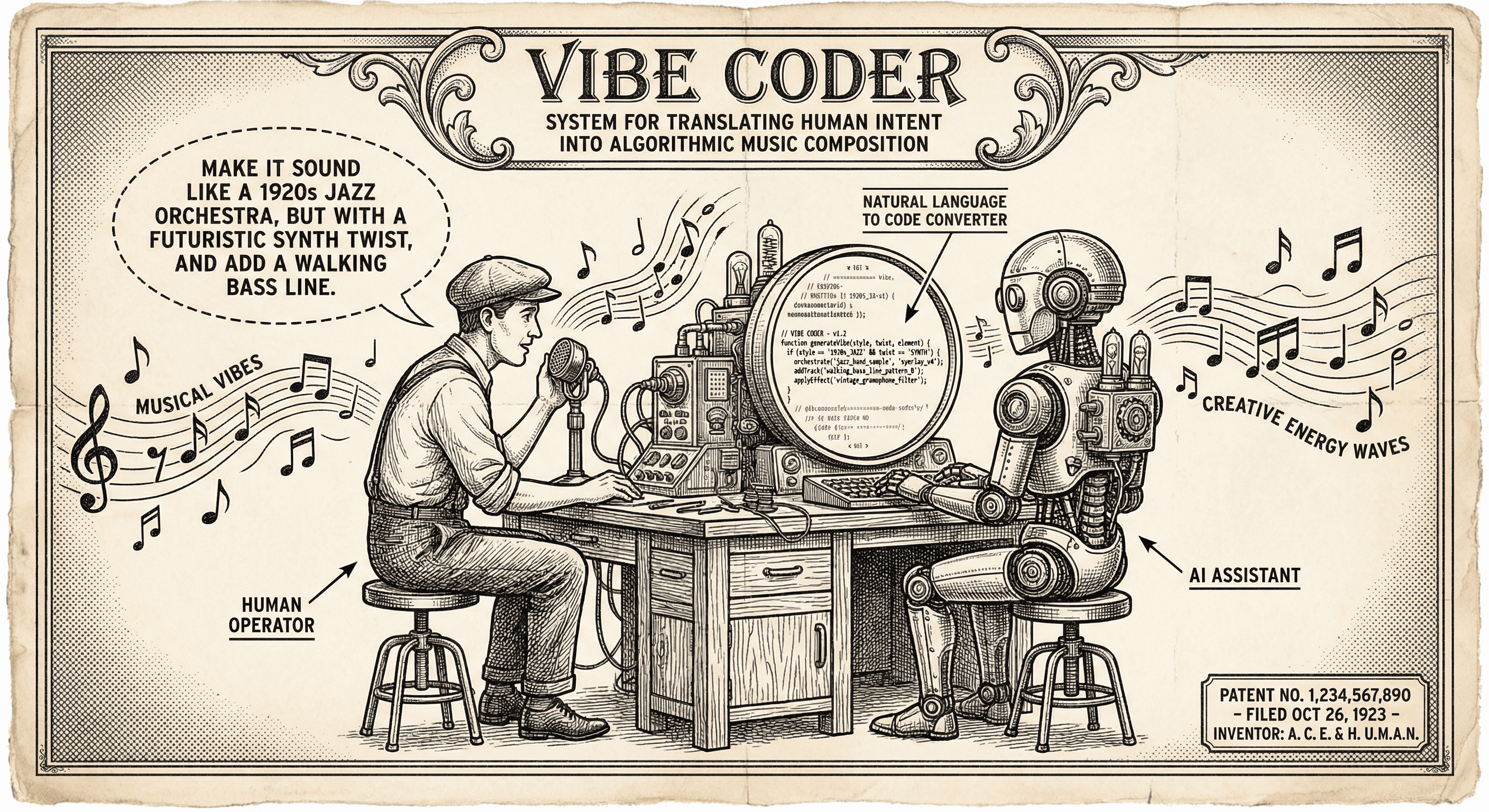
Vibe coding means describing what you want in plain English and using AI to generate or edit code. Here is what it is, who it is for, and how to use it without hitting a wall.
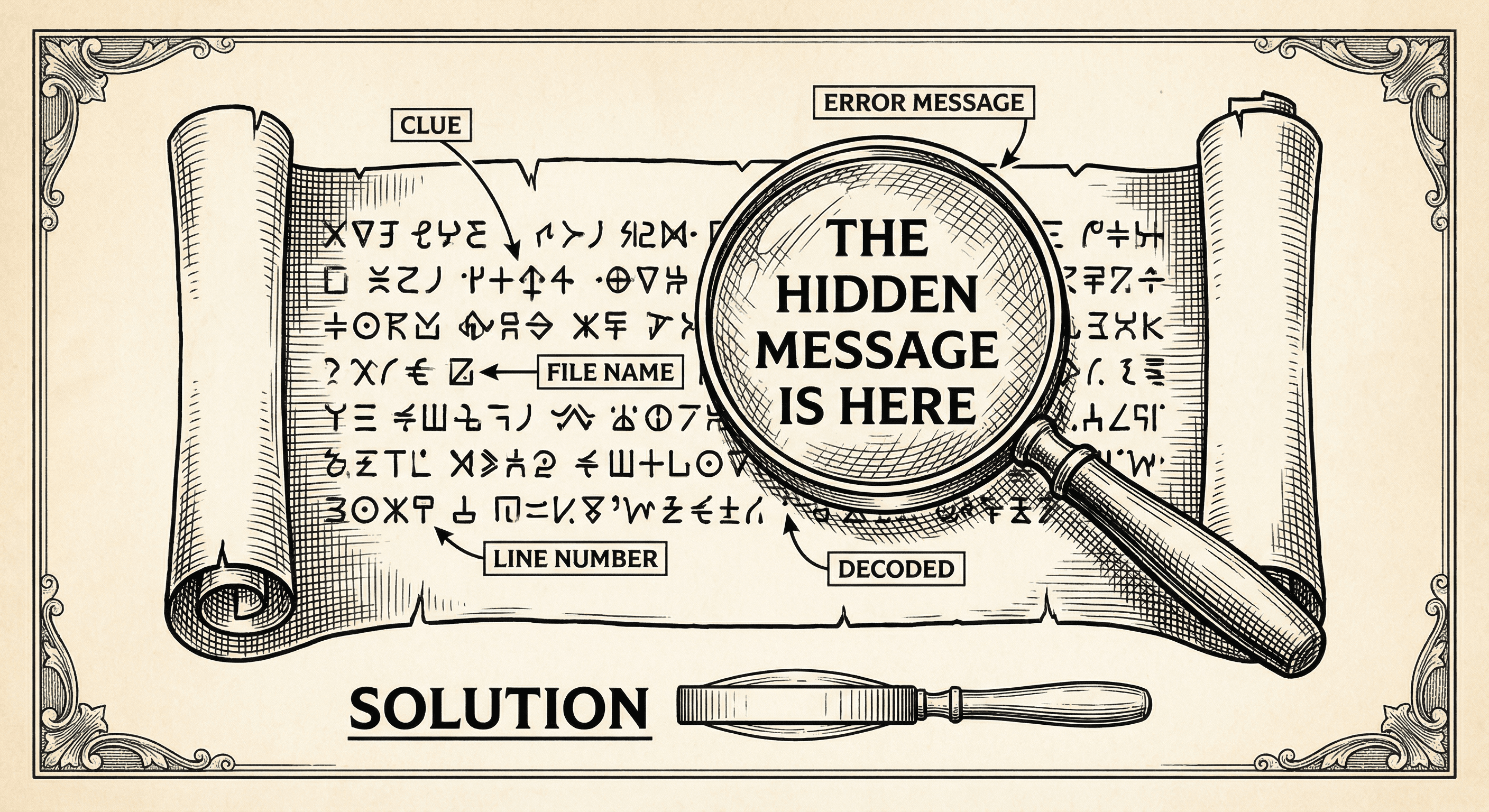
Error messages can look like gibberish. This guide teaches you how to read them, where to look, and what to do next — so you can fix issues instead of feeling stuck.
