Vibe coding gets you to a working prototype fast — but most people stall there. The hard part is not the first screen. It is everything that comes after.
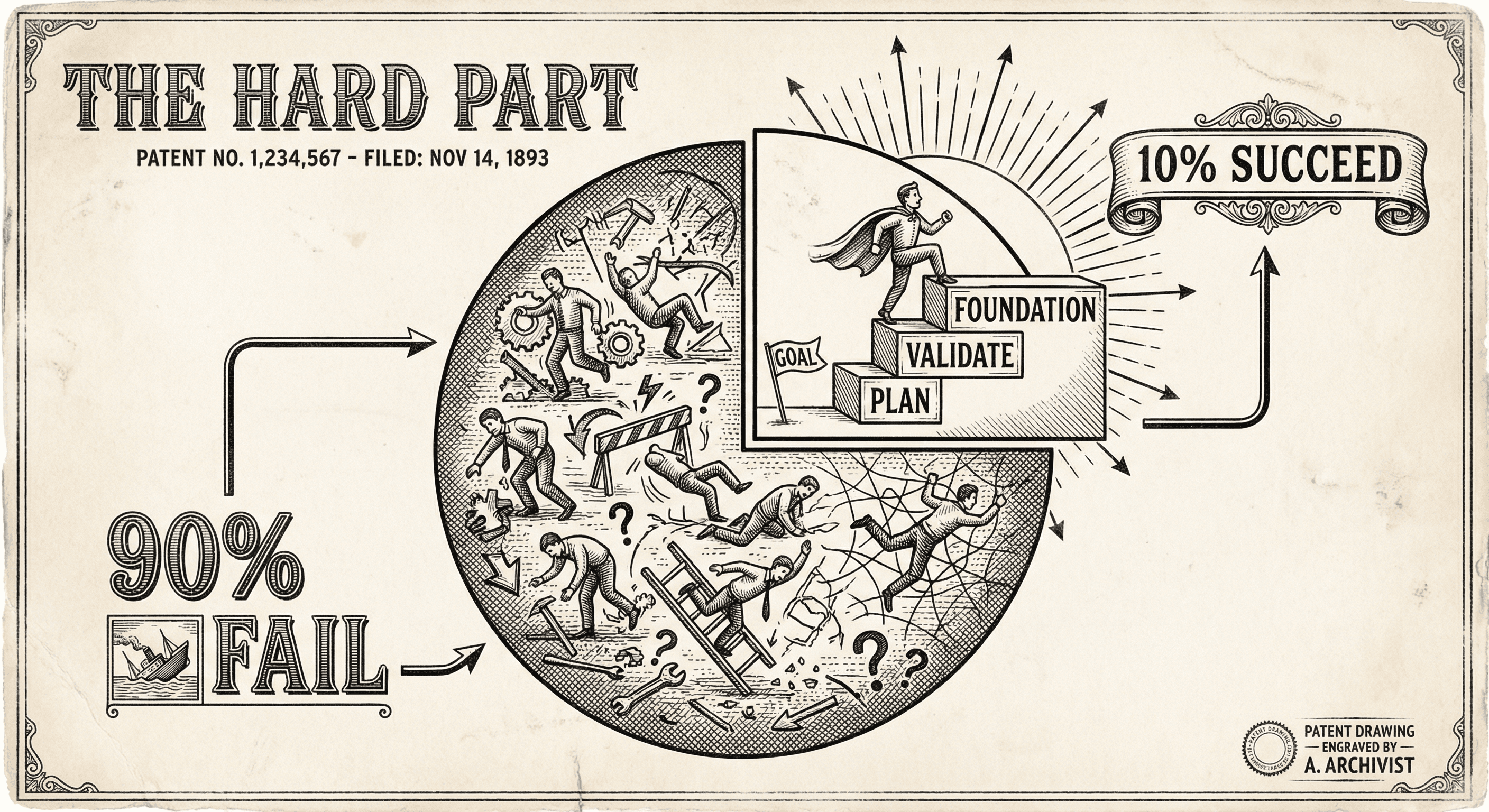
You prompt. The AI writes code. A button appears. A form submits. In an afternoon you have something that looks like an app. That is vibe coding at its best — and it is also where most people stop.
The part that feels like "building" — the screens, the layout, the flow — is the part AI is good at. The part that actually determines whether your product works for real users is the part most people skip. That is why so many vibe-coded projects never make it past the prototype stage.
This is not a criticism of vibe coding. It is a map of where the real work is, so you can do it on purpose instead of stalling by accident.
Vibe coding excels at the visible, front-of-house work:
So you get to a working prototype quickly. The trap is believing that the prototype is the product.
The gap between "it works on my machine" and "it works for real users" is where most projects die. That gap is made of unglamorous, easy-to-skip work:
Your form might look perfect, but what happens when someone submits an empty field? A 10,000-character string? Scripts disguised as text? Vibe coding often gives you the happy path. Real applications validate every input on the server, reject invalid data, and never trust the client. That means Zod schemas, sanitization, and authorization checks — the kind of code that does not make the UI prettier but prevents your app from breaking or being abused.
"Add a login page" gets you a form. It does not automatically get you secure session handling, password hashing, "forgot password" flows, or the rule that User A cannot see User B's data. Those require design decisions and server-side enforcement. Skipping them means your app is either wide open or will break as soon as you add a second user.
What happens when the payment fails? When the database is slow? When the user's session expires mid-flow? Prototypes assume everything goes right. Shipped products handle failure gracefully — clear messages, retries, and no silent data loss. This is tedious work that AI rarely suggests unless you ask for it explicitly.
Code that runs on localhost often depends on things that are not true in production: different URLs, different API keys, different databases. Environment variables, build steps, and deployment pipelines are not fun to set up, but without them you do not have a product; you have a demo that only runs on your laptop.
Displaying data is easy. Making sure the right data is saved, loaded, and updated consistently — and that users never see stale or wrong data — is harder. This is where bugs hide: race conditions, missing error handling, and assumptions that "it worked once" means "it will always work."
Vibe coding optimizes for the next visible step. You ask for a feature, you get code, you see a change. The work that does not produce a visible change — validation, security, error handling, deployment — does not feel like progress, so it gets postponed. Eventually the prototype is "almost done" in your mind but nowhere near ready for real users, and the list of "things I skipped" becomes overwhelming.
Another reason: the AI does not know your product. It does not know that "only the owner can delete this" or "this field must be unique." It gives you generic solutions. Making the app behave correctly for your specific rules requires you to specify those rules and then implement them on the server, not just in the UI.
Treat "it works on my machine" as the starting line, not the finish. Plan time for validation, auth, errors, and deployment. If you use a template (like this one), lean on what it already does — auth, rate limiting, env validation — and spend your energy on the logic that is unique to your product.
Instead of building five screens and then fixing everything, build one flow end to end: from UI to server to database to error handling. Then do the next flow. That way you are always one step away from "this one path could go live" rather than "the whole app is 90% done but nothing actually works."
When you vibe code, prompt for the unglamorous parts too. "Add server-side validation with Zod for this form." "Add error handling when the API fails." "Ensure only the authenticated user can access this data." If you do not ask, you usually will not get it.
A good template gives you authentication, input validation, rate limiting, and deployment configuration out of the box. Your job is to add your product logic on top, not to rebuild security and infra from scratch with AI. That is why starting from a production-ready boilerplate is one of the best decisions a vibe coder can make.
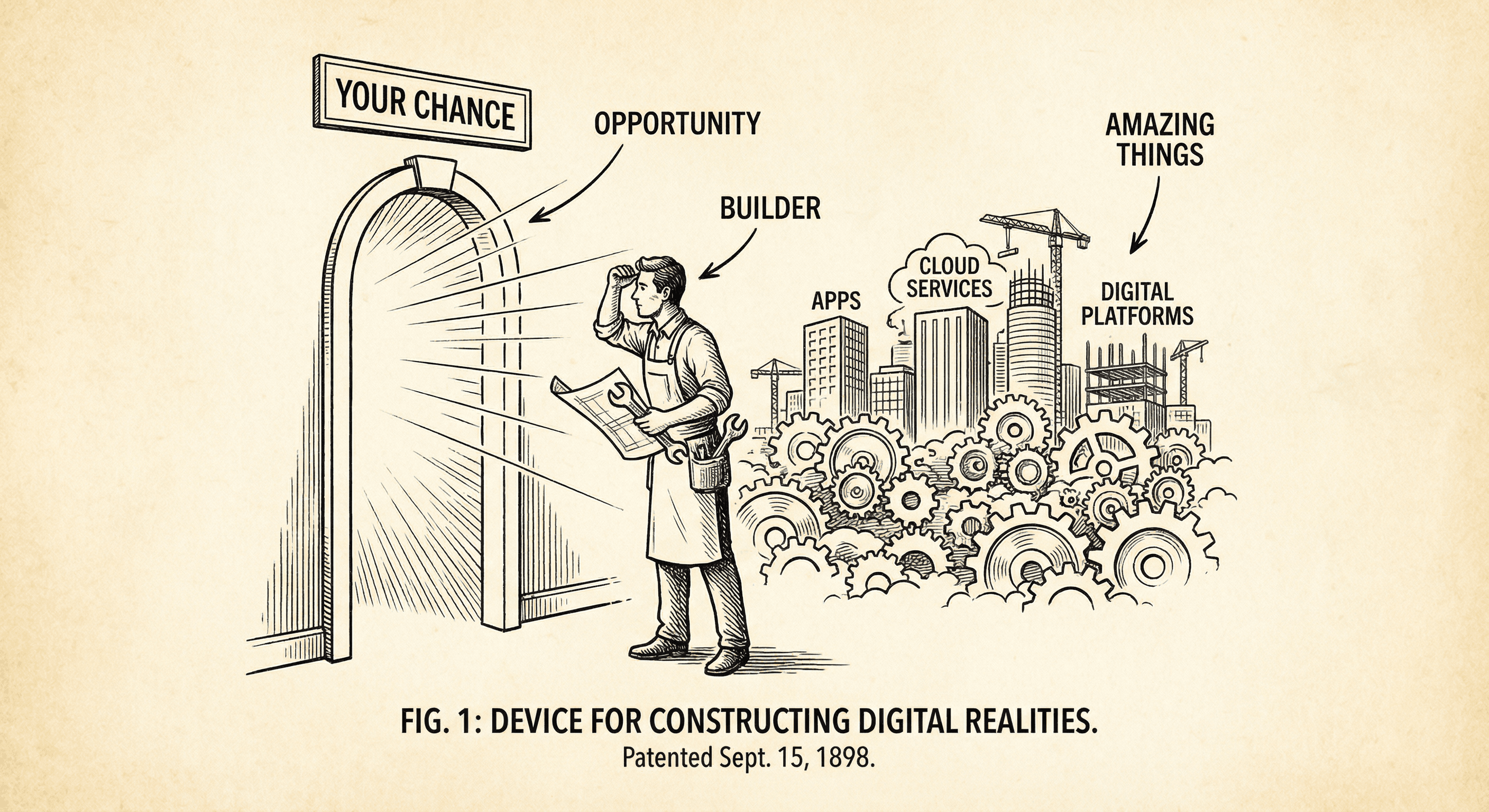
It is not too crowded. Most people will never ship. If you are willing to build, you are already in a small group. Here is why that is an opportunity, not a threat.
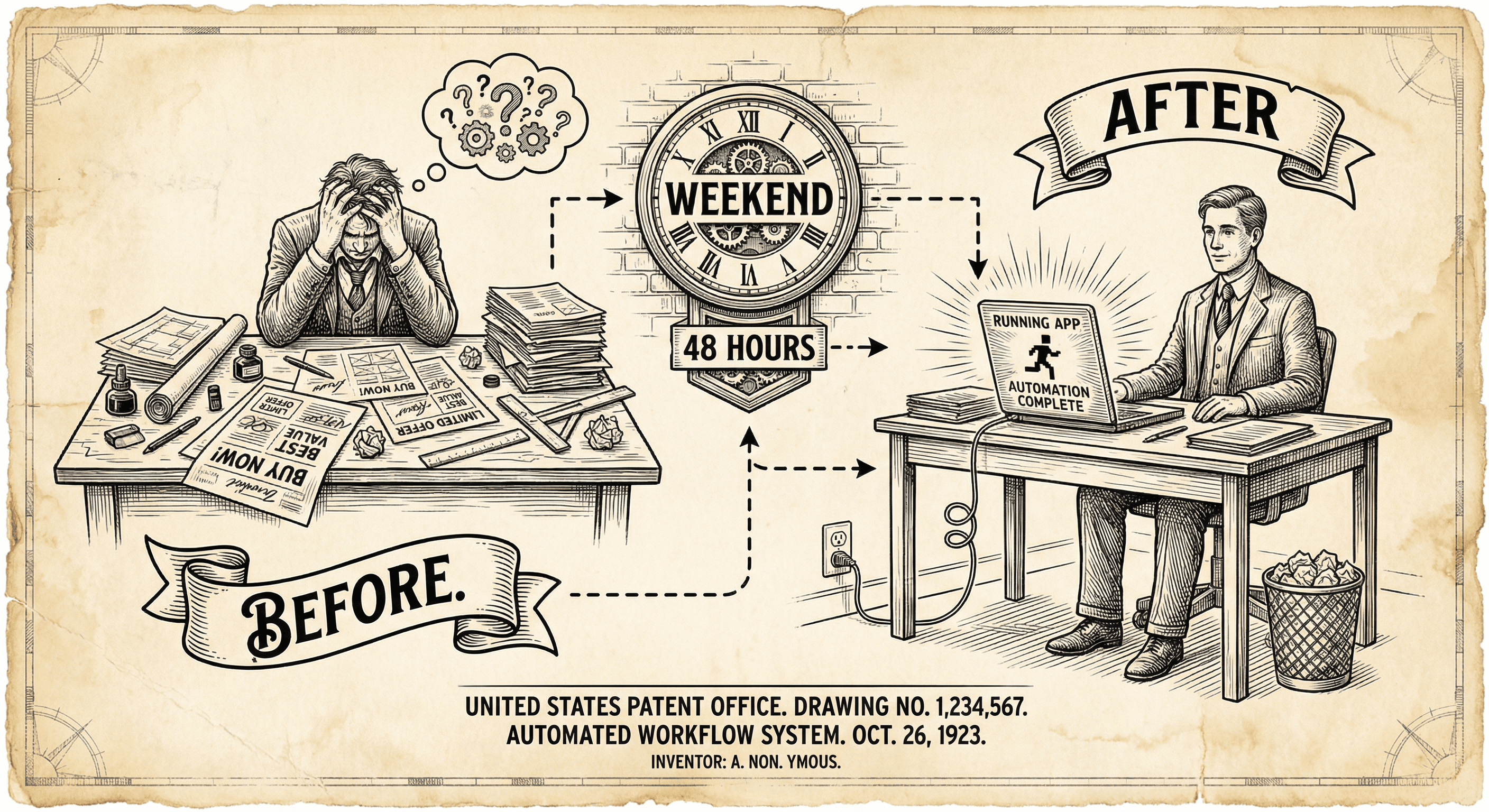
You are used to campaigns, clients, and deadlines. You can use that same energy to ship something of your own. Here is a realistic path from ad life to a live app in a weekend.
