Vibe coding means describing what you want in plain English and using AI to generate or edit code. Here is what it is, who it is for, and how to use it without hitting a wall.
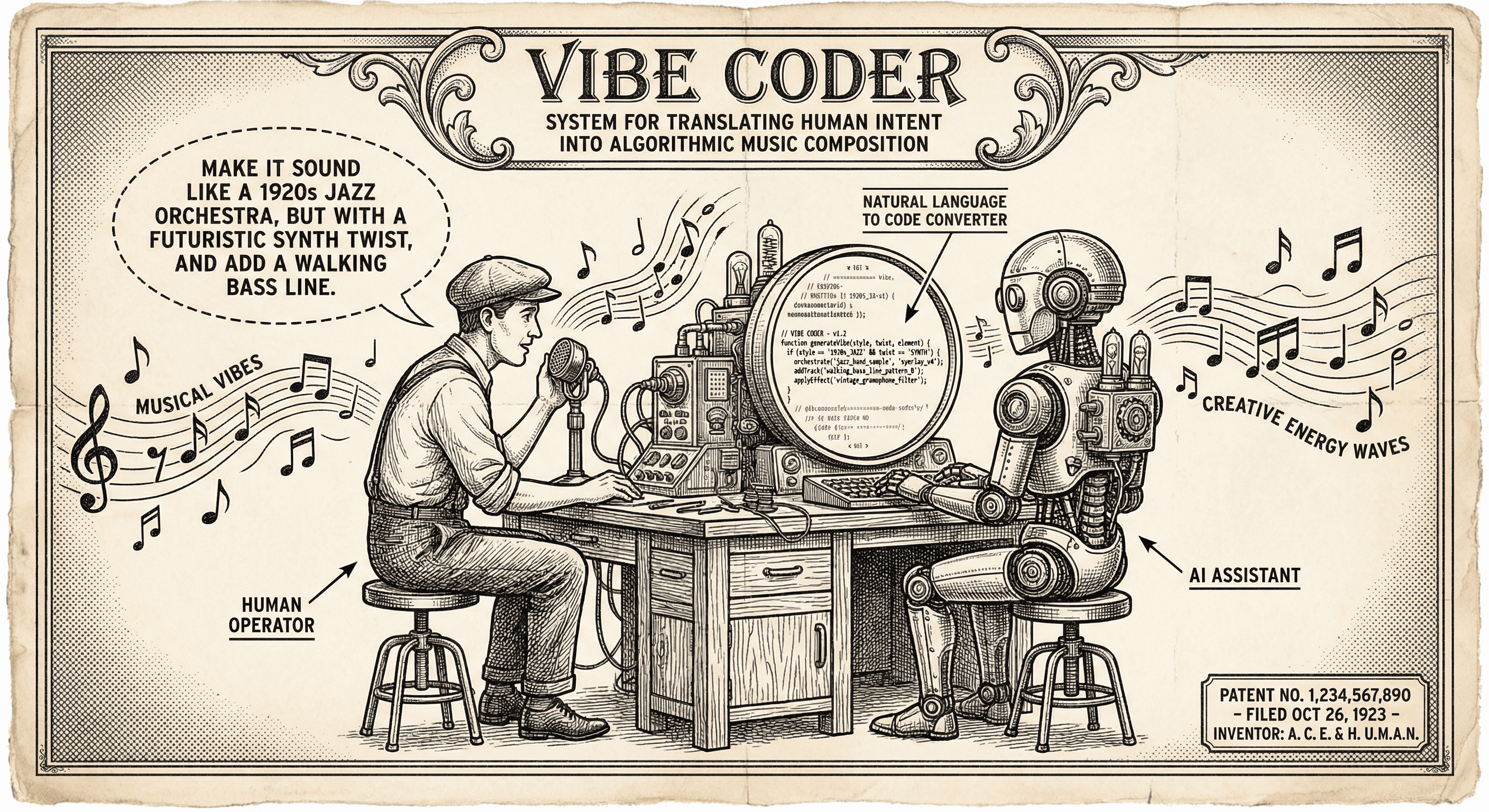
You have an idea for an app. You have never written code before — or you have dabbled but never shipped anything. Someone tells you about "vibe coding": you describe what you want, and an AI writes the code. Is that real? And is it enough to actually build something?
Yes, it is real. And no, it is not enough by itself — but it is a powerful way to get started. This guide explains what vibe coding is, who it is for, and how to use it so you build a real product instead of a prototype that never goes live.
Vibe coding is building software by describing what you want in plain English (or another natural language) and using AI tools to generate or suggest code. You might say:
The AI produces code — or edits your existing code — and you run it, see the result, and iterate. You are steering with language; the AI is doing a lot of the typing and structure.
This is different from traditional development, where you write every line yourself. It is also different from no-code tools, where you configure pre-built blocks and rarely see or edit raw code. Vibe coding sits in the middle: you are still in a codebase, but you are collaborating with an AI that translates your intent into code.
Vibe coding is especially useful for:
It is less ideal if you need highly custom, performance-critical, or deeply technical systems on day one — but for most web apps, dashboards, and small SaaS products, vibe coding is a legitimate path to a first version.
So: vibe coding gets you to "something that works in the happy path" quickly. The rest — security, errors, deployment, consistency — still requires your attention or a solid foundation (like a template) that already covers the basics.
Instead of "add a form," try "add a form with name (required), email (required, must be valid email), and message (optional, max 500 characters). On submit, call the API at /api/contact and show a success or error message." The more precise you are, the closer the first result will be to what you need.
Ask for one feature or one file at a time. "Add a button" then "wire the button to this function" then "add loading state" is easier to verify and fix than "build the whole checkout flow."
Do not treat generated code as a black box. Skim it. Change a label or a color. Fix a typo. The more you interact with the code, the more you learn and the easier it is to spot mistakes or missing pieces (like validation or error handling).
Authentication, payments, env vars, and deployment are easy to get wrong. A production-ready template gives you those so you can vibe code the parts that are unique to your product — the features, copy, and flows — without rebuilding security and infra from scratch.
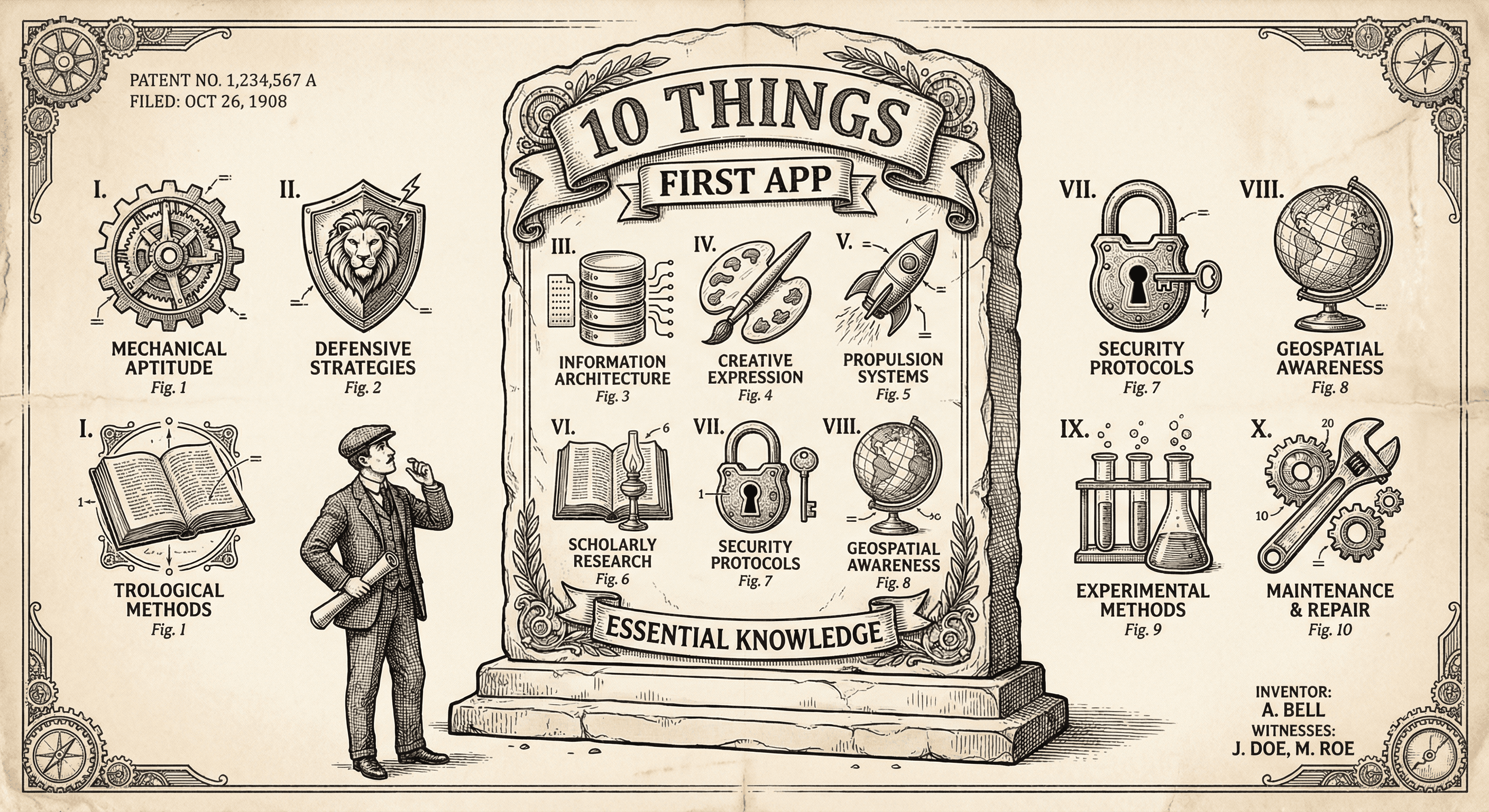
It is not easy, but if you learn these ten simple things before you build, you will be ahead of most first-time builders and avoid the worst pitfalls.
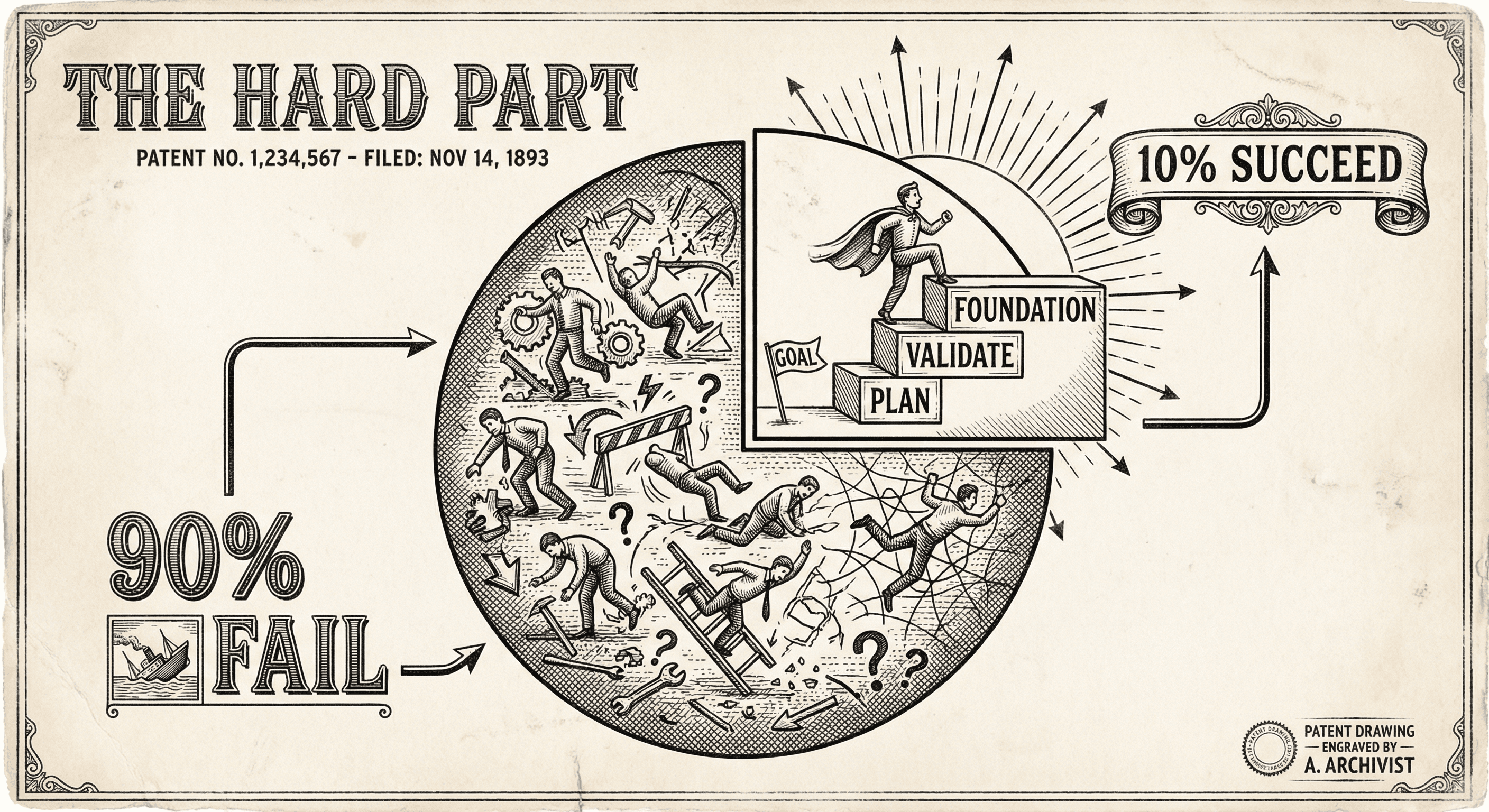
Vibe coding gets you to a working prototype fast — but most people stall there. The hard part is not the first screen. It is everything that comes after.
