Surprise hosting bills are one of the most common pain points for Next.js developers. Learn what actually drives Vercel costs — compute, bandwidth, requests, and add-ons — and how to configure your project to avoid them.
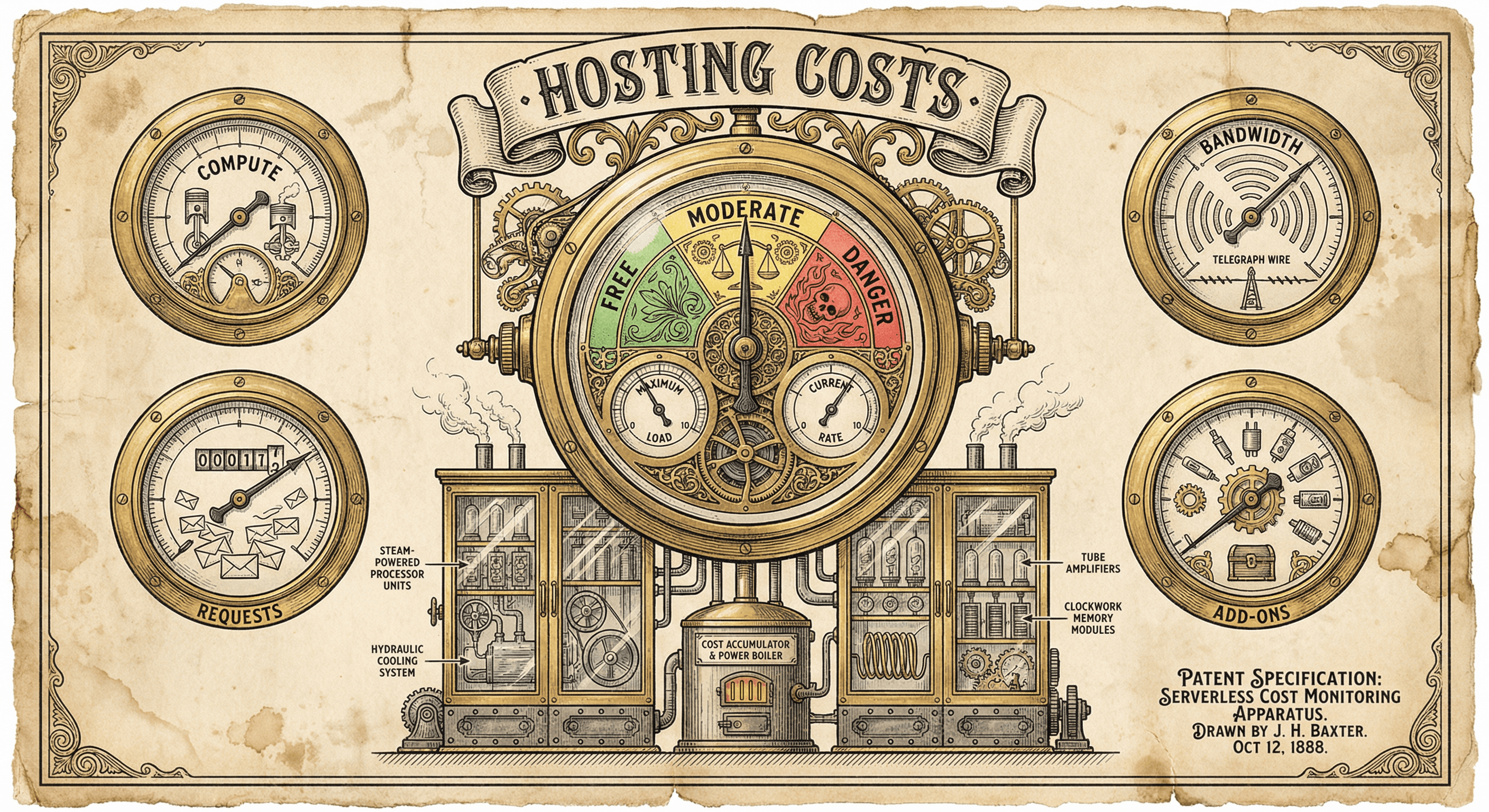
You built your Next.js app. You deployed it to Vercel. Everything works. Then the first invoice arrives — and it is three, five, or even ten times what you expected.
This is not an edge case. Surprise Vercel bills are one of the most discussed pain points in the indie developer and SaaS founder community. The frustrating part is that the causes are almost always preventable configuration mistakes — things nobody tells you about until after the damage is done.
This guide explains what actually drives Vercel costs, where the common traps are, and how to configure your project so your hosting bill stays predictable.
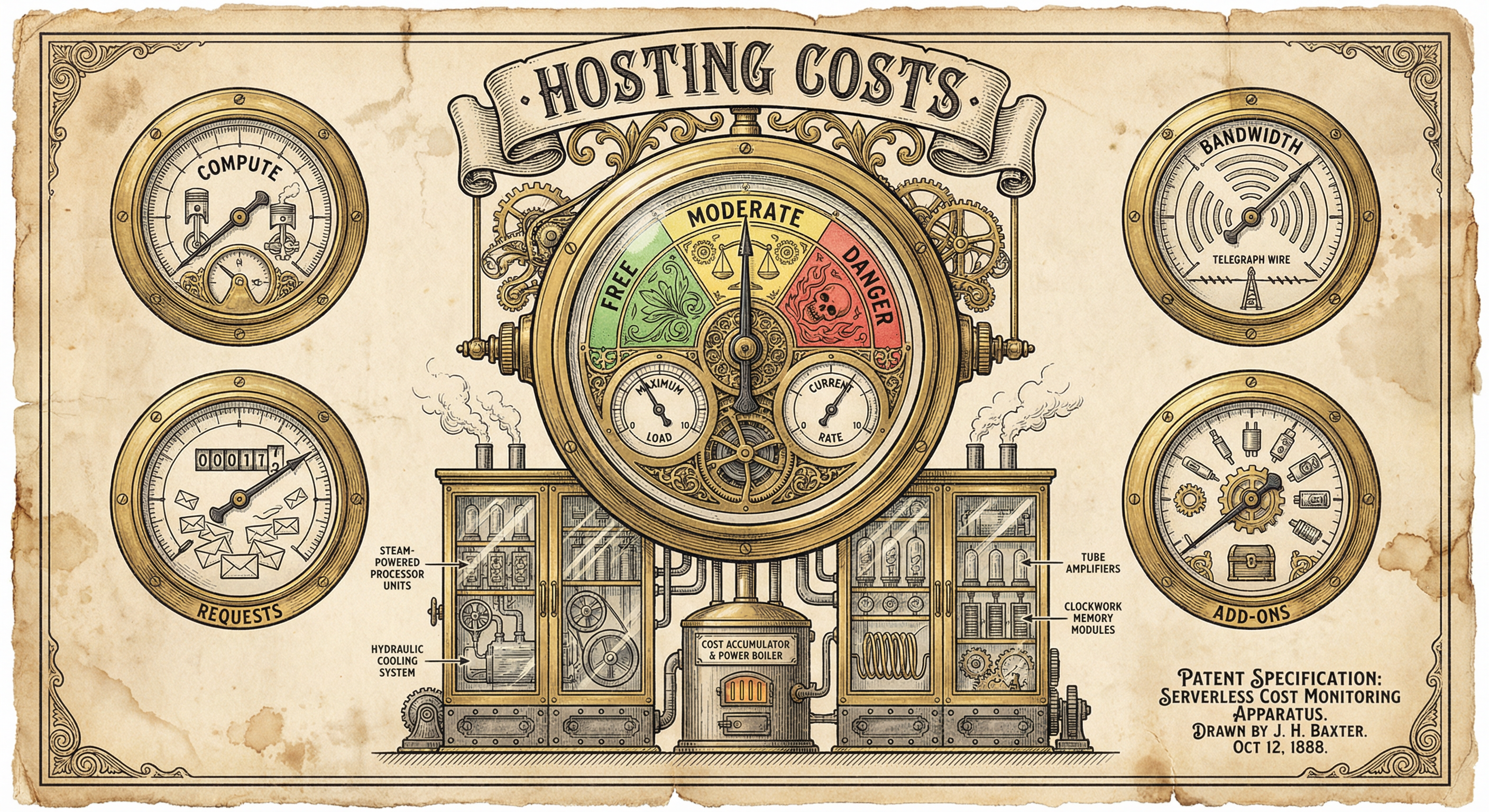
Vercel's pricing is built around four pillars. Understanding what each one measures is the first step toward controlling costs.
Every time a serverless function runs — an API route, a server-rendered page, middleware — Vercel measures how long it takes and bills you for the execution time.
What triggers compute costs:
/api/* endpoints)The danger zone: A page with revalidate: 1 (regenerate every second) on a site getting 10,000 daily visitors means roughly 10,000 serverless function executions per day for that single page. Multiply that across several pages and you have a serious compute bill.
The safe approach: Use static generation wherever possible. Reserve server-side rendering for pages that genuinely need per-request data (user dashboards, personalized content). Set revalidate to reasonable intervals — 3,600 seconds (one hour) is fine for content that changes infrequently.
Bandwidth is the total data sent from Vercel to your visitors. Every page load, image, JavaScript bundle, font file, and API response counts.
What drives bandwidth costs:
The danger zone: Serving a 5 MB hero image to every visitor. If 1,000 people visit per day, that is 5 GB per day — 150 GB per month — just from one image.
The safe approach: Optimize images before uploading (use WebP or AVIF formats). Use next/image for automatic optimization of local images. For large media files (videos, downloads), use a dedicated CDN or object storage like Cloudflare R2 or AWS S3.
This is the count of how many times serverless functions execute, regardless of how long each one takes. Even a function that runs for 1 millisecond counts as one invocation.
What drives invocation counts:

The danger zone: This is the big one. If your middleware matcher is not properly scoped, middleware runs on every single request — including static assets like images, CSS files, JavaScript chunks, and fonts. A page that loads 30 static assets triggers 30 middleware invocations instead of 1. Multiply that across your entire traffic and you can hit millions of invocations without realizing it.
The safe approach: Always scope your middleware matcher to exclude static assets:
export const config = {
  matcher: [
    '/((?!api|_next|_vercel|.*\\..*|favicon.ico).*)',
    '/',
  ],
}
This single configuration line is the difference between a $0 bill and a $500 bill for many developers.
Vercel offers additional services — each with its own pricing — that you might enable without realizing the cost implications.
Common add-ons that cost money:
The danger zone: Installing @vercel/analytics or @vercel/speed-insights during development, forgetting about them, and discovering months later that you have been paying for usage beyond the free tier.
The safe approach: Audit your package.json for any @vercel/* packages. If you are using Supabase for your database and Resend for email (as this template does), you likely do not need Vercel's database, storage, or email add-ons.
Now that you understand the four cost pillars, here are the specific mistakes that catch developers off guard.
The single most expensive mistake. Your middleware runs authentication checks, locale detection, or CSP headers — useful work. But if the matcher is not scoped properly, it fires on every static asset request too.
The math: A page with 40 static assets (scripts, styles, images, fonts) visited 5,000 times per day: 40 × 5,000 = 200,000 middleware invocations per day. That is 6 million per month — from a site with only 5,000 daily visitors.
The fix: Ensure your middleware matcher explicitly excludes static files, API routes, and Next.js internals. The pattern shown above handles this.
Setting revalidate: 1 makes your page feel dynamic, but it turns every visit into a serverless function call. This defeats the purpose of static generation.
The fix: Ask yourself how often the content actually changes. A blog post? Revalidate every hour (revalidate: 3600). A product listing updated daily? Revalidate every 15 minutes (revalidate: 900). Real-time data? That should be a client-side fetch, not ISR.

When you use next/image with external image URLs, Vercel downloads, resizes, and optimizes each image. Every unique URL-and-size combination counts as one optimization. If your blog shows user-uploaded images at three different sizes, each image generates three optimizations.
The fix: For images you control, optimize them at build time or upload time (use tools like Sharp, Squoosh, or TinyPNG). Reserve Vercel's image optimization for images whose dimensions you cannot predict ahead of time. For external images, explicitly configure remotePatterns in next.config.ts to control which domains are allowed.
Without rate limiting, a single bot or malicious user can call your API thousands of times per minute. Each call is a serverless invocation. If that API route also calls an external service (OpenAI, Stripe, a database), the costs multiply.
The fix: Add rate limiting to every API route — especially write endpoints (POST, PUT, DELETE), payment routes, admin routes, and any route that calls an external API. A simple in-memory rate limiter is sufficient for most projects.
On Vercel's Pro plan, there is no automatic spending limit. If your site gets a traffic spike — whether from a successful launch, a viral post, or a DDoS attack — costs scale with traffic indefinitely.
The fix: Enable Spend Management in your Vercel dashboard (Settings → Billing → Spend Management). Set a monthly cap that makes sense for your stage. If usage exceeds the cap, Vercel pauses your project rather than billing you into oblivion. You can always raise the cap later.
Here is a checklist you can run through right now:
Open middleware.ts and check the matcher configuration. Does it exclude _next, api, and files with extensions? If the matcher is missing or set to '/' without exclusions, fix it immediately.
Search your codebase for revalidate. Are any values set to 1 or very low numbers? Increase them to match how often the content actually changes.
Check next.config.ts for images.remotePatterns. If you are loading external images through next/image, make sure only the domains you intend are whitelisted.
Check your API routes in app/api/. Does every route that accepts POST requests have rate limiting? If not, add it.
Check package.json for @vercel/analytics, @vercel/speed-insights, @vercel/kv, @vercel/blob, or @vercel/postgres. If you are not actively using and monitoring these, remove them.
Log into your Vercel dashboard. Go to Settings → Billing → Spend Management. Is a cap set? If not, set one now.

A properly configured Next.js project on Vercel has multiple layers of cost protection:
Layer 1: Middleware scoping. The matcher excludes static assets, reducing invocations by 10 to 50 times compared to an unscoped matcher.
Layer 2: Rate limiting. Every API route that accepts mutations has a rate limit, preventing runaway costs from bots or abuse.
Layer 3: Caching. Static pages are statically generated. Dynamic routes that change infrequently use ISR with reasonable revalidation intervals. Sitemaps and other generated files are cached.
Layer 4: No hidden add-ons. External services (database, email, payments) are managed by dedicated providers with their own free tiers, not bundled into the Vercel bill.
Layer 5: Spend management. A monthly cap ensures that even worst-case scenarios (DDoS, viral traffic) do not result in unbounded costs.
Here is what you are working with as of early 2026:
Hobby (Free):
Pro ($20/month per member):
Enterprise (custom pricing):
For most early-stage SaaS products, the Hobby plan is sufficient during development and soft launch. Move to Pro when you need team features, custom domains, or your traffic exceeds free-tier limits. The key is knowing what those limits are before you exceed them.
Your hosting bill should be predictable. If it is not, the problem is almost always one of the five traps described here — and every one of them is fixable.

Most templates assume you have a plan. Ship Something™ is built for how you actually work — one feature at a time, changing direction, figuring it out as you go. Here is how five architectural layers keep your codebase healthy while you build piecemeal.

You are holding a finished, working application. This is not a tutorial or a course. It is a real product, already built, waiting for you to make it yours. Here is what that means and what happens next.
