Error messages can look like gibberish. This guide teaches you how to read them, where to look, and what to do next — so you can fix issues instead of feeling stuck.
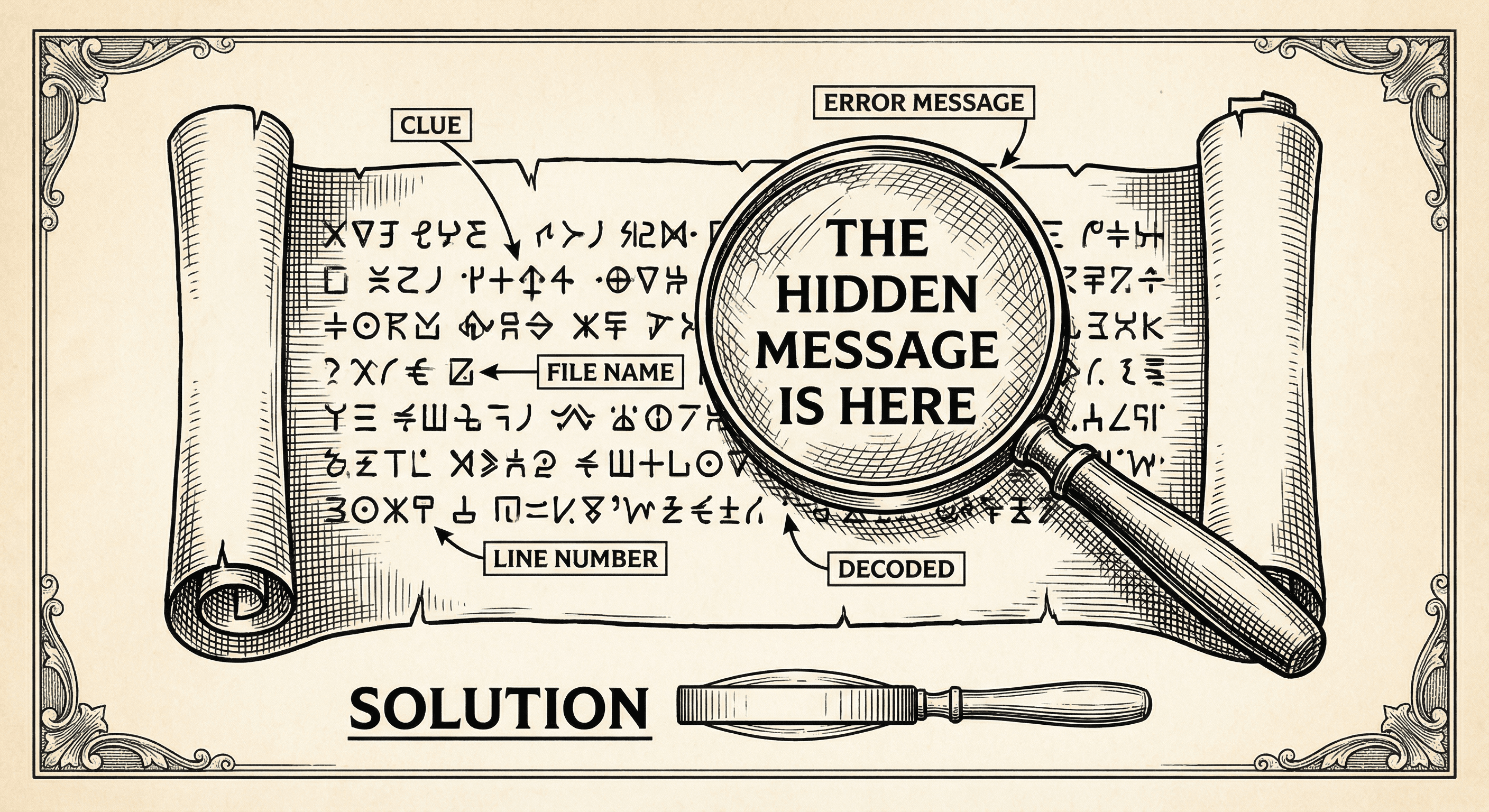
Something broke. You see a wall of red text, file paths, and words like "TypeError" or "Cannot read property of undefined." It is easy to feel like you have to be a developer to understand it — but you do not. Error messages are the program telling you where it got stuck. Learning to read them is one of the most useful skills you can build, whether you are vibe coding or writing every line yourself.
This guide shows you how to decode errors, where to look, and what to try next.
Errors can appear in a few places:
npm run dev, npm run build, or a test command. The error is usually printed in red and may include a stack trace.Start by identifying where the error appeared. That tells you whether the problem is in the build, in the browser, or in the tooling.
Most errors have a similar structure:
TypeError, ReferenceError, SyntaxError. This names the kind of mistake.src/components/Form.tsx:42:10. That is the first place to look in your code.You do not need to understand every word. Focus on the message (what went wrong) and the first file and line (where to look).
.name or .length) on a value that does not exist. Fix: make sure the value exists before using it, or add a check (e.g., optional chaining ?.).something() but something is not a function (maybe it is an object or undefined). Fix: check the name and that you imported or defined the function correctly.npm install if it is a dependency..env (e.g., an API key) that is not set. Fix: add it to .env.local (or your env config) and restart the dev server.When you see an error, look up the exact phrase (in quotes) in a search engine. You will often find explanations and fixes from others who hit the same issue.
Sometimes the error points to a file in node_modules or inside a dependency. That usually means your code passed bad data to the library — e.g., you passed undefined where the library expected an object. Look at the stack trace for the first file that is yours (under your project folder, not node_modules). The bug is in how you are calling the library or what you are passing to it.
console.log(yourVariable) before the line that fails and run again. Check the console to see what the value actually is; that often makes the cause obvious.node_modules usually mean your code passed bad data; find the first line in your code in the stack trace.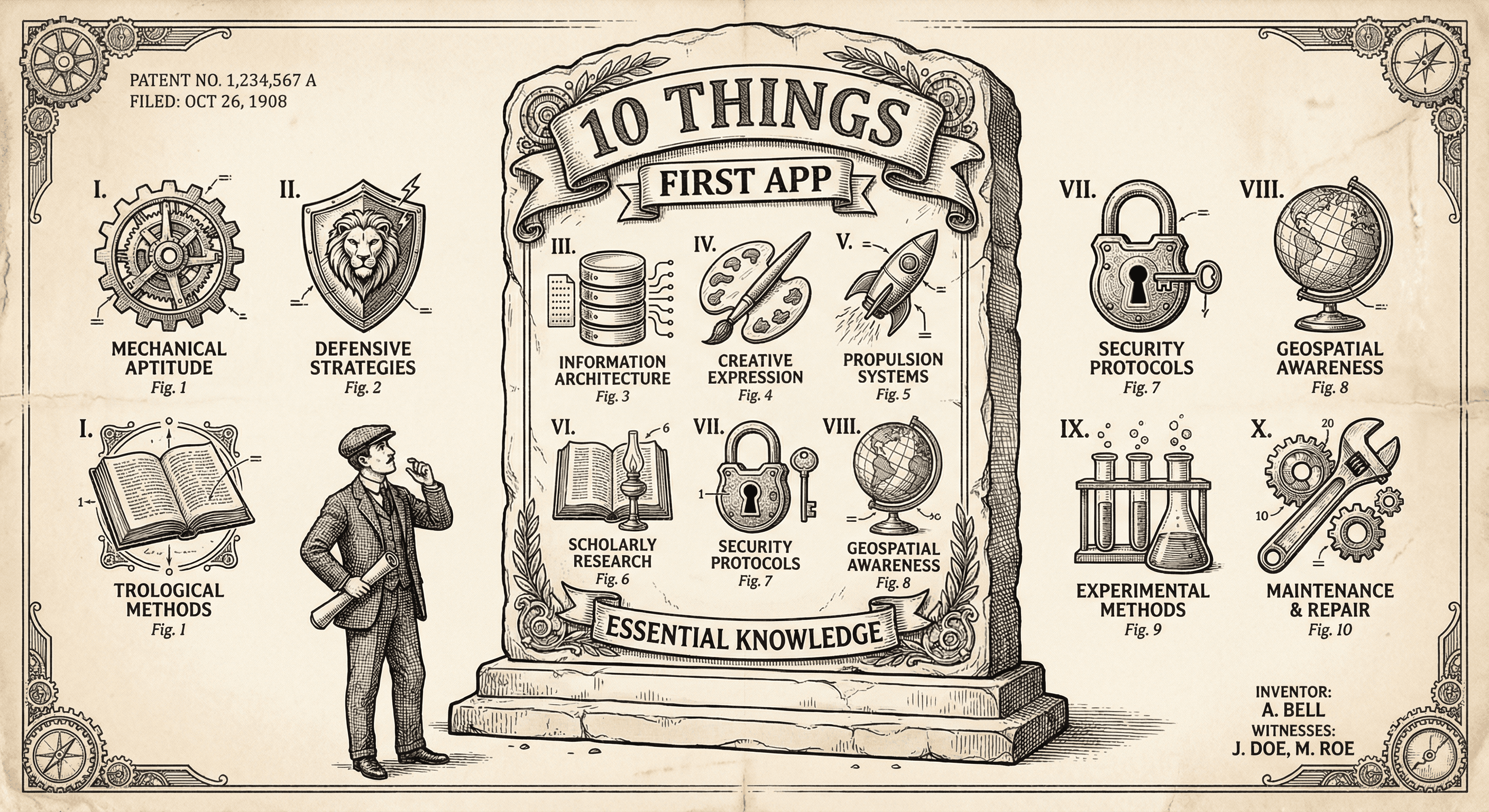
It is not easy, but if you learn these ten simple things before you build, you will be ahead of most first-time builders and avoid the worst pitfalls.
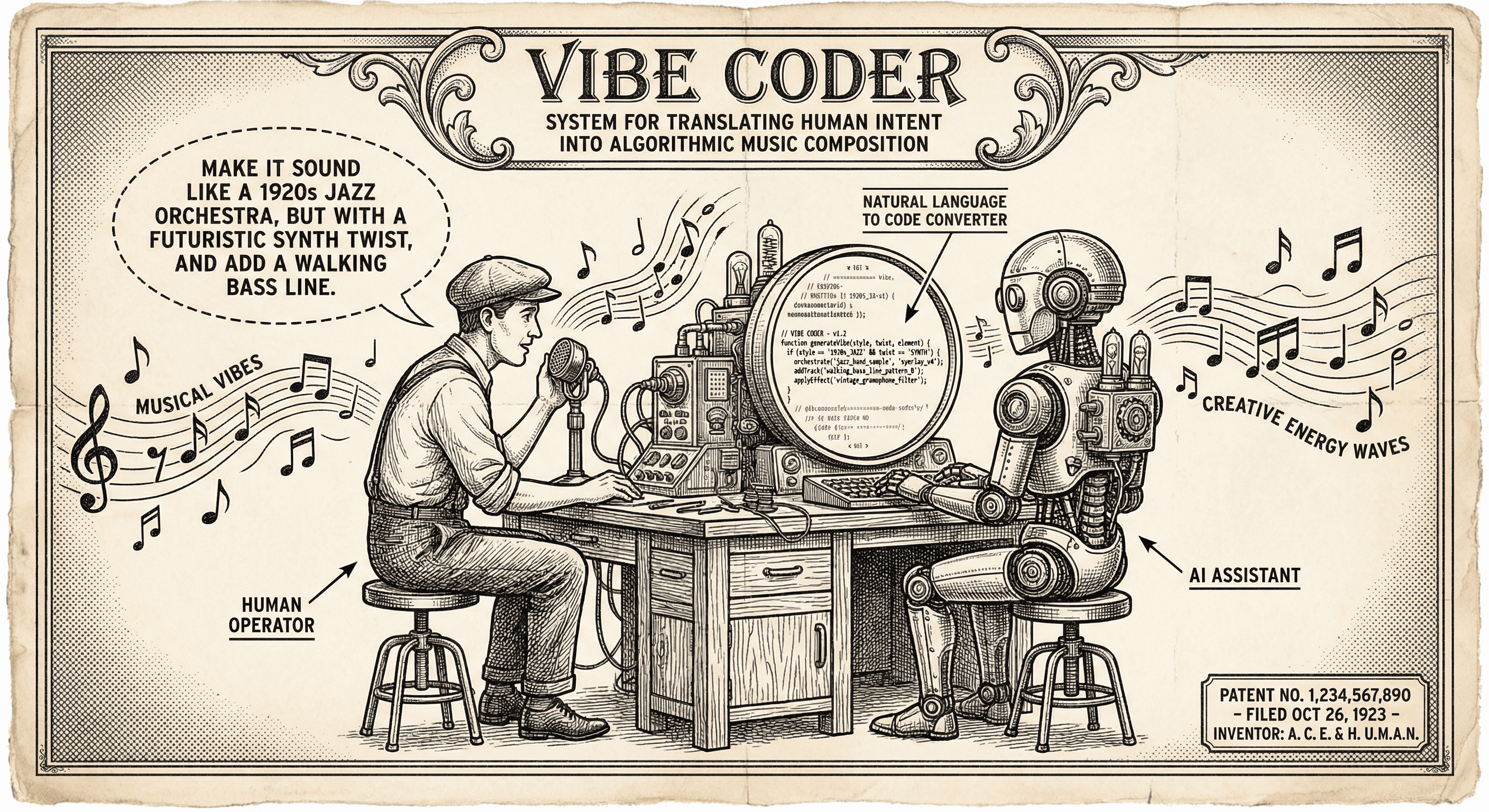
Vibe coding means describing what you want in plain English and using AI to generate or edit code. Here is what it is, who it is for, and how to use it without hitting a wall.
