Some builders start with a plan. Others start with an idea and figure it out as they go. Both approaches work. Here is how Ship Something™ and PRD Maker support each one — and why the best path might be a combination of both.
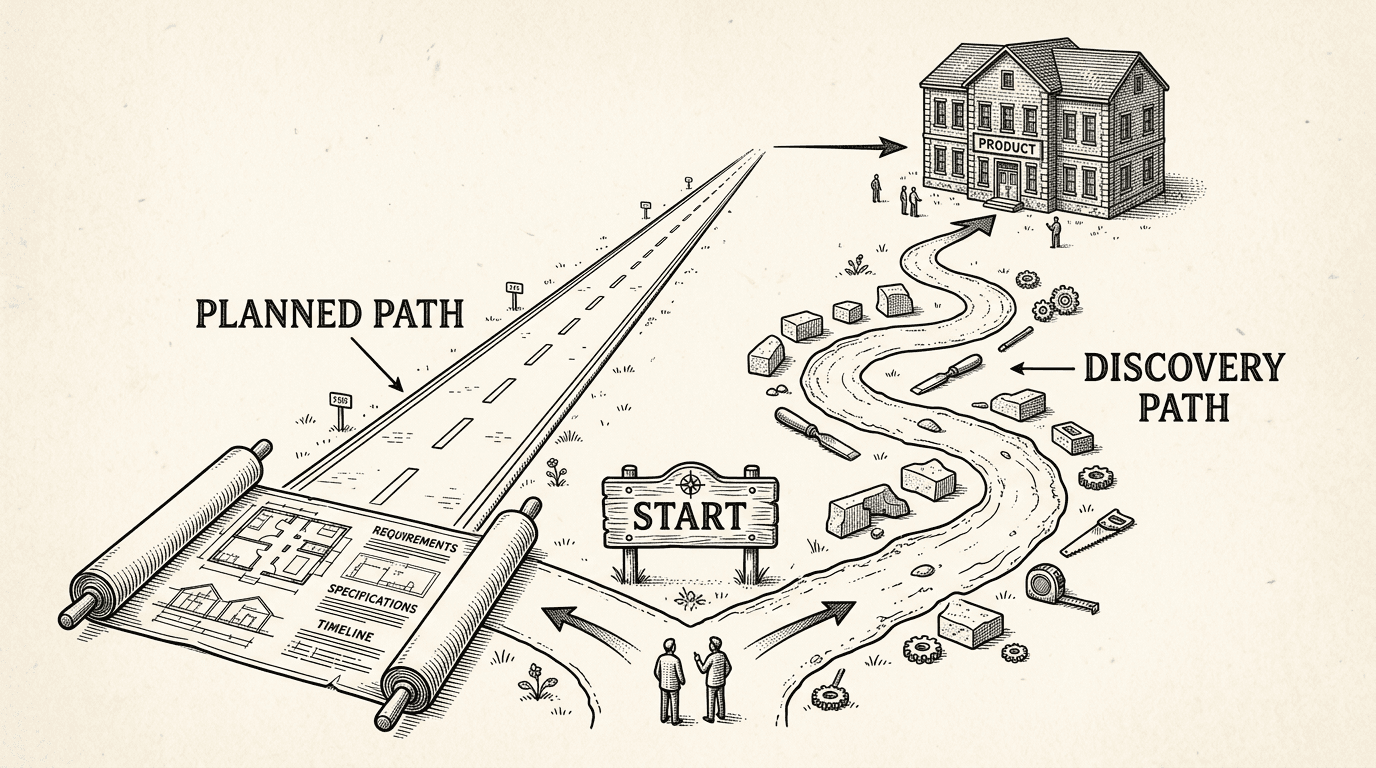
There are two kinds of builders.
The first opens a code editor, describes what they want, and starts building. They figure out the product as they go. The homepage comes first, then a pricing page, then authentication, then a blog. The order does not matter. What matters is momentum.
The second starts with a document. They describe the product, the audience, the features, and the pages before writing a single line of code. They want a plan. They want completeness. They want to describe the product once and have it built from top to bottom.
Neither approach is wrong. They serve different builders, different stages of clarity, and different kinds of products.
We built tools for both.
This is how most first-time builders work — and it is a perfectly valid way to build a product.
You have an idea. Maybe it is a social network for dog owners. Maybe it is a project management tool for freelancers. You do not have a detailed plan, and that is fine. You open Ship Something™ and say, "Build me a homepage for a dog owner social network."
The AI assistant builds it. You look at it, adjust, and move on. "Now add a profile page." Done. "Add a pricing section." Done. "Actually, let me change the homepage copy." Done.
This is piecemeal development, and Ship Something™ is built for it. Five architectural layers — shared layouts, adaptive tests, lifecycle checkpoints, infrastructure syncing, and automated cleanup — keep the codebase healthy no matter what order you build in. You can add a blog before authentication, payments before a homepage, or a contact page before you even name the product.
The result is a real product, built one decision at a time.
Here is what happens behind the scenes that makes piecemeal building smarter than it sounds.
When you start building, the template creates a product brief — a document called PRODUCT.md — that starts nearly empty. It has sections for your product name, audience, features, pages, and business model, but most of them are blank.
As you build, the AI assistant fills it in. After you build a profile page with photo uploads, it asks: "Should I add user profiles with photo sharing to your product brief?" After you describe your audience for the first time, it asks: "Should I record that this product is for dog owners who want to connect locally?"
You confirm each addition. The assistant never writes to the brief without your approval.
Over time, this blank document becomes a detailed product definition — a Piecemeal PRD. You did not sit down to write a PRD. You built a product, and the PRD emerged as a natural byproduct. Every decision you made along the way is captured, organized, and available for the assistant to reference in every future session.
The builder who started with "I want to build a dog social network" now has a document that describes exactly what they built, who it is for, and how it works. They wrote it without realizing they were writing it.
Some builders do not want to figure it out as they go. They want to describe the product, get a structured plan, and have it built — every page, every feature, from homepage to terms of service.
This is where PRD Maker comes in.
PRD Maker takes your product idea and turns it into a structured product requirements document. You describe what you want to build. PRD Maker asks clarifying questions — who is the audience, what are the core features, how does it make money, what pages does it need. Then it generates a comprehensive PRD: a complete plan for the product.
When you bring that PRD into a Ship Something™ project, the AI assistant reads it and uses it as a build plan. It knows every page that needs to be built, every feature that needs to be wired, every piece of content that needs to be written. It works through the plan systematically — homepage, product pages, authentication, settings, terms page, pricing, everything.
The guardrails still run. Tests still verify each step. Hygiene scans still catch dead code. The verification loop still confirms each feature works before moving on. The difference is that the direction comes from the document, not from you typing instructions one at a time.
The result is the same — a real product — but the path is different. You described it once and the system built it.
There is no right answer. But there are signals that suggest one path over the other.
Piecemeal works best when:
A PRD works best when:
Both is also an option. Start piecemeal, build for a while, then use the Piecemeal PRD as a starting point for a full PRD in PRD Maker. Or start with a PRD, build the core product, then switch to piecemeal for iterative improvements. The two approaches are not competing — they are two ends of a spectrum.
If you start piecemeal and later create a PRD in PRD Maker, you can bring it into your project at any time. The AI assistant compares your existing Piecemeal PRD with the imported document and shows you what is different.
If the differences are minor — the PRD adds detail to sections you had not filled in yet — the transition is smooth. If the PRD represents a significant change in direction, the assistant tells you clearly and recommends adopting the PRD as a clean replacement.
The key principle is cleanliness. The imported PRD is adopted as a whole, not mixed with fragments of the Piecemeal PRD. A product built from two half-visions is worse than a product built from one clear vision. If something from your piecemeal building is missing from the PRD, you edit the PRD to include it.
We could have built Ship Something™ and said, "Write a PRD first." That would help experienced builders and leave everyone else behind.
We could have built Ship Something™ and said, "You do not need a plan." That would help beginners and frustrate anyone who wants structure.
Instead, we built a template that works without a plan and a tool that creates plans. Use one, use both, or switch between them. The foundation is the same either way.
Because the real question was never "should you plan or not?" It was: "can the tool meet you where you are?"
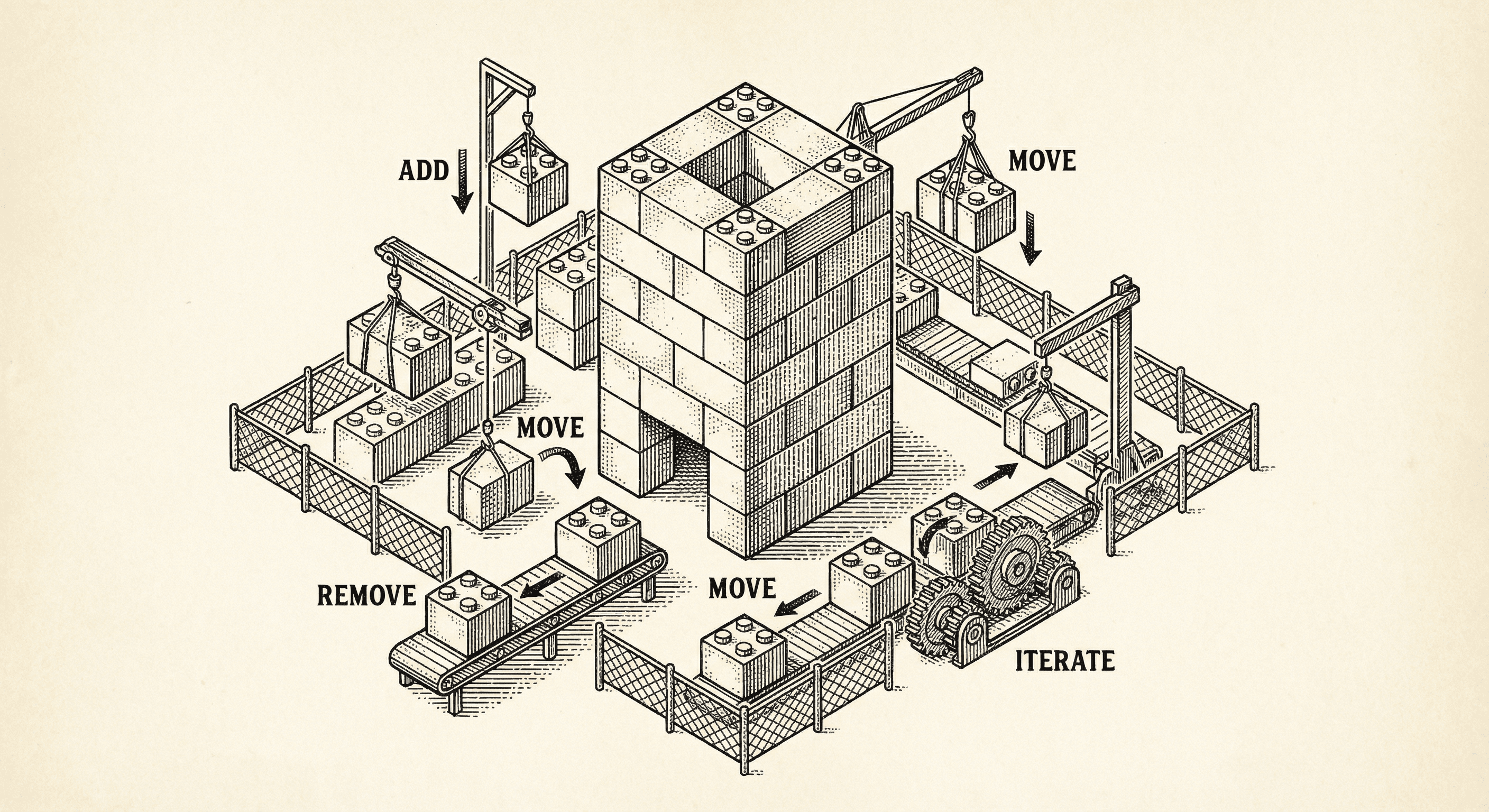
Most templates assume you have a plan. Ship Something™ is built for how you actually work — one feature at a time, changing direction, figuring it out as you go. Here is how five architectural layers keep your codebase healthy while you build piecemeal.
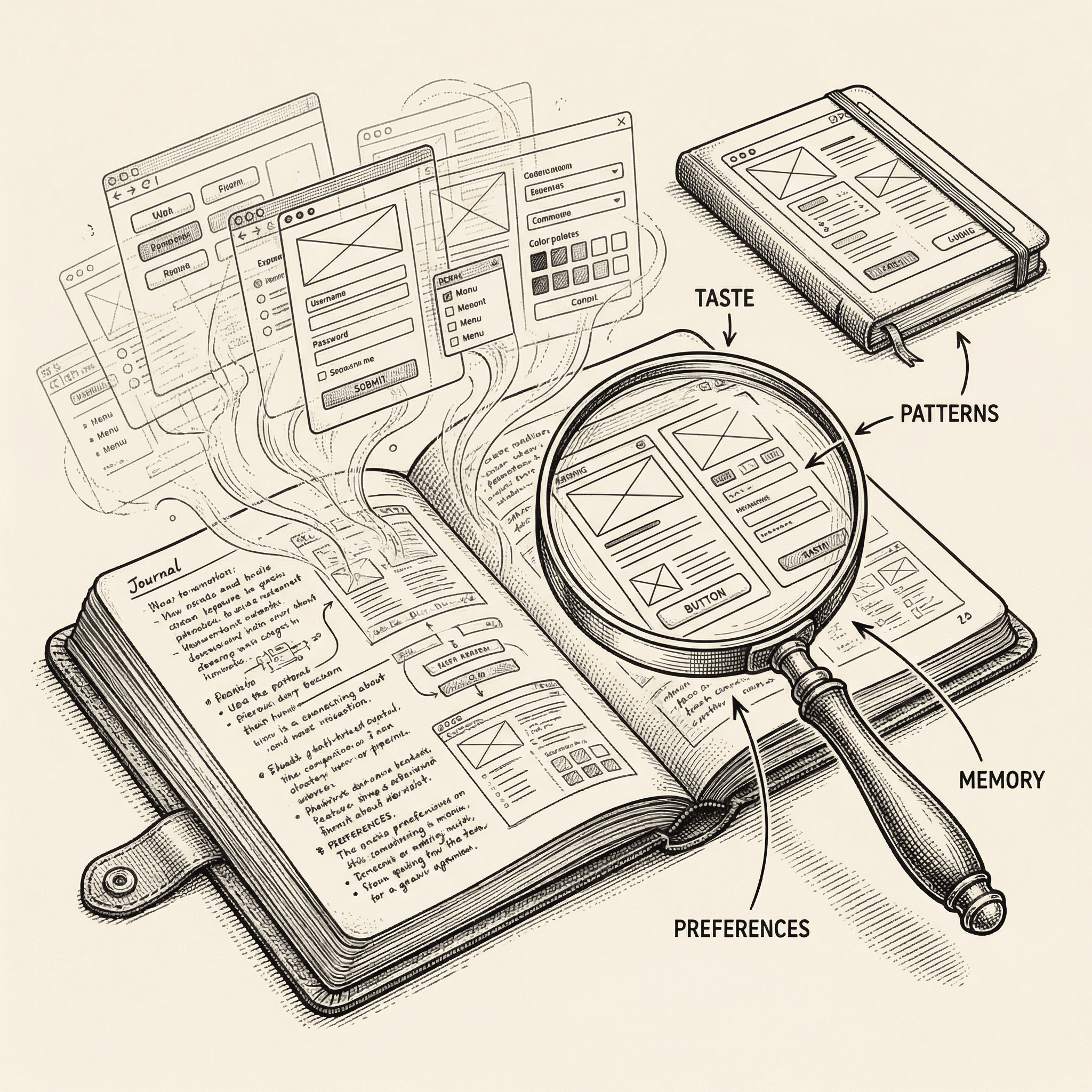
Every builder has taste. The way you choose corners, copy, layouts, and workflows is yours. Ship Something™'s builder profile watches, learns, and carries that knowledge into every project you start.
