PostgreSQL schemas are the most underused feature for running multiple products. Here is how they work as isolation boundaries, why RLS is non-negotiable, and how shared auth turns a database feature into a product strategy.
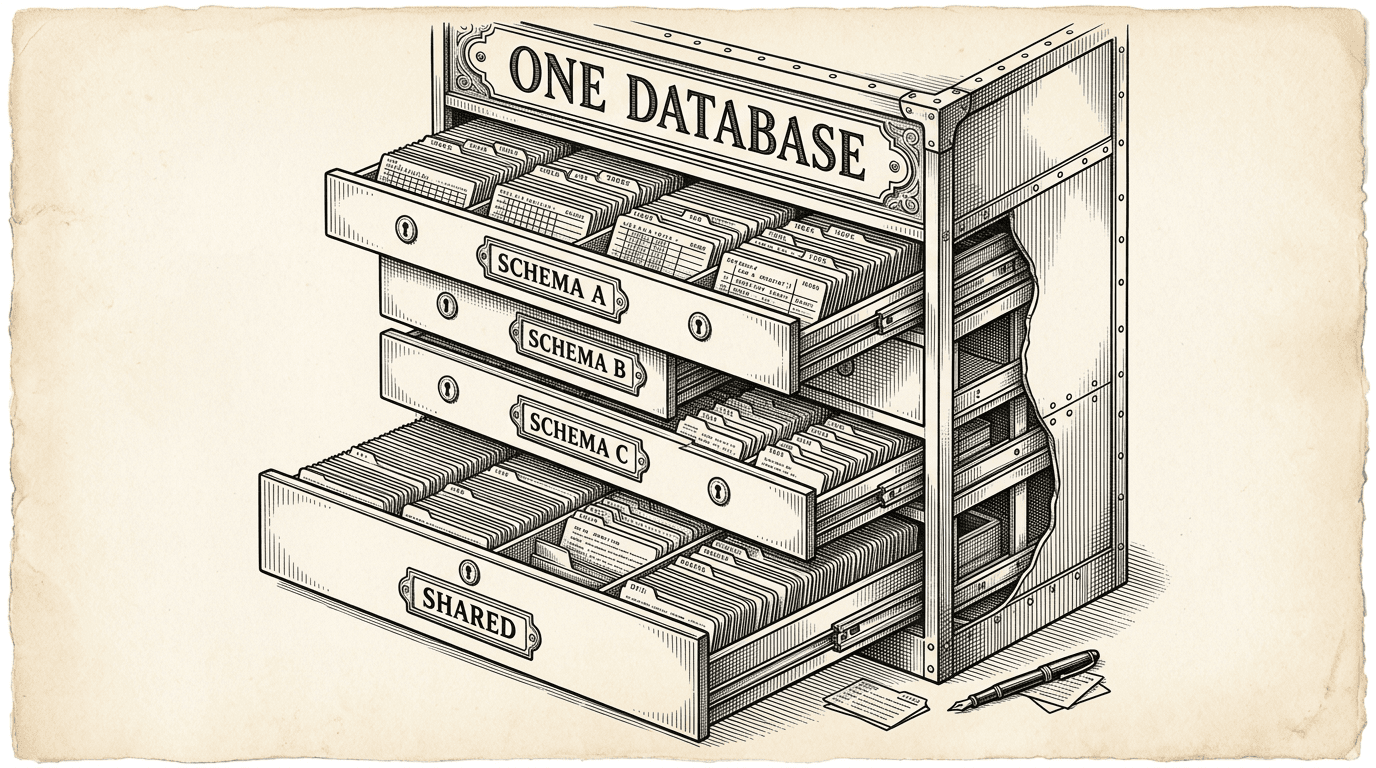
Most indie hackers who run multiple products do one of two things: they put everything in a single database with no separation, or they spin up a separate database for each product. The first approach works until it does not — products step on each other's data, naming conflicts emerge, and a bug in one product can corrupt another's tables. The second approach is clean but expensive — every product gets its own infrastructure bill.
There is a third option that PostgreSQL has offered for decades, and almost nobody uses it.
A PostgreSQL schema is a namespace inside a database. It is the layer between the database itself and the tables inside it.
When you create a table called users, it actually lives at public.users — the users table in the public schema. The public schema is the default. Every PostgreSQL database has one, and if you never think about schemas, every table you create goes there.
But you can create other schemas. And when you do, each one becomes an independent namespace:
database/
├── public     (default — where single-product tables go)
├── product_a  (Product A's tables)
├── product_b  (Product B's tables)
└── shared     (cross-product data)
product_a.posts and product_b.posts are completely different tables. They can have different columns, different indexes, different RLS policies. They just happen to share the same database.
This is not a hack or a workaround. Schemas are a first-class PostgreSQL feature designed for exactly this kind of separation.
The value of schemas is not organization — it is isolation.
When Product A queries its schema, it cannot accidentally read or write Product B's tables. The Supabase client is configured with a specific schema, and every query goes through that schema. There is no way to accidentally leak data between products through normal application code.
Think of it like apartments in a building. Each apartment has its own space, its own lock, its own layout. The building provides shared infrastructure — plumbing, electricity, elevators — but tenants do not walk into each other's apartments.
Schemas are the apartment walls. The database is the building. Shared infrastructure — like authentication — is the plumbing.
But walls alone are not enough. You also need locks.
Row Level Security is the lock on the door. Even within a single schema, you need to ensure that User A cannot see User B's data. RLS does this at the database level — not in your application code, but in PostgreSQL itself.
Without RLS, any authenticated user can query any row in a table. If you rely on your application to filter results (e.g., .where('user_id', currentUser.id)), a bug in your code — or a direct API call — can expose other users' data.
With RLS, the database enforces the rule:
CREATE POLICY "Users manage own posts" ON product_a.posts
  FOR ALL
  USING (auth.uid() = user_id)
  WITH CHECK (auth.uid() = user_id);
This policy means that no matter how the query is written — whether it comes from your application, a direct API call, or a mistake in your code — a user can only see and modify their own posts. The database will not return rows that violate the policy. Period.
In a multi-product setup, RLS is not optional. Every table in every schema must have it enabled. This is the difference between "our products are separated" and "our products are separated and the data within each product is secure."
The template enforces this with a health check that scans every table and flags any without RLS enabled.
When a product queries the database, it needs to target the right schema. PostgreSQL uses a concept called the search path — an ordered list of schemas to search when resolving table names.
If you write SELECT * FROM posts, PostgreSQL checks the search path to find which schema contains a posts table. By default, the search path is public.
In a multi-product setup, each product configures its Supabase client with its own schema:
Product A client → search_path = product_a
Product B client → search_path = product_b
When Product A queries posts, PostgreSQL resolves it to product_a.posts. When Product B queries posts, it gets product_b.posts. Same table name, completely different data.
This means each product's codebase can use simple, clean table names. You do not need to prefix every table with the product name. You do not need to think about which schema you are in. The configuration handles it.
Some data does not belong to a single product. User profiles, product access records, billing status — these are cross-product concerns.
The solution is a shared schema that all products can read:
database/
├── shared/
│   ├── profiles        (display name, avatar — shared identity)
│   └── product_access  (which user has access to which product)
├── product_a/
│   ├── posts
│   └── comments
└── product_b/
    ├── drafts
    └── templates
Products query the shared schema for cross-product reads (like displaying a user's avatar in a header) and their own schema for product-specific operations (like fetching a list of drafts).
Cross-schema queries use the service role — an elevated permission that can read across schema boundaries. This is intentional: normal application queries stay within the product schema, and only specific administrative or cross-product operations reach into the shared schema.
The RLS policies on the shared schema are different from product schemas. Profiles are readable by anyone (so any product can display a user's name). Product access records are only readable by the user they belong to (so a user can see which products they have access to, but not anyone else's access).
Database migrations in a multi-product setup need one extra line:
SET search_path TO product_a;
This line goes at the top of every migration file. It tells PostgreSQL which schema the migration targets. Without it, the migration creates tables in the public schema — which breaks the isolation.
This is easy to forget. The template enforces it with a health check that scans migration files and flags any that do not set the search path. It also provides agent rules that prevent the AI assistant from creating tables in public when multi-schema mode is active.
The discipline is small — one line per migration — but the consequence of missing it is real: a table in the wrong schema means data in the wrong place, with the wrong RLS policies, visible to the wrong products.
Schemas solve the cost problem and the organization problem. But they share infrastructure. At some point, a product may need true isolation:
When that day comes, the product graduates to its own Supabase project. The migration is not trivial, but it is well-defined: rewrite migrations for the public schema, export and import data, update environment variables. Ship Something™ includes tooling that generates this migration plan.
The key insight is that you do not need to start with full isolation. You start with schemas — cheap, simple, and effective — and split when a product's success justifies the cost.
SET search_path TO your_schema; at the top of every migration file. Small habit, big consequence if missed.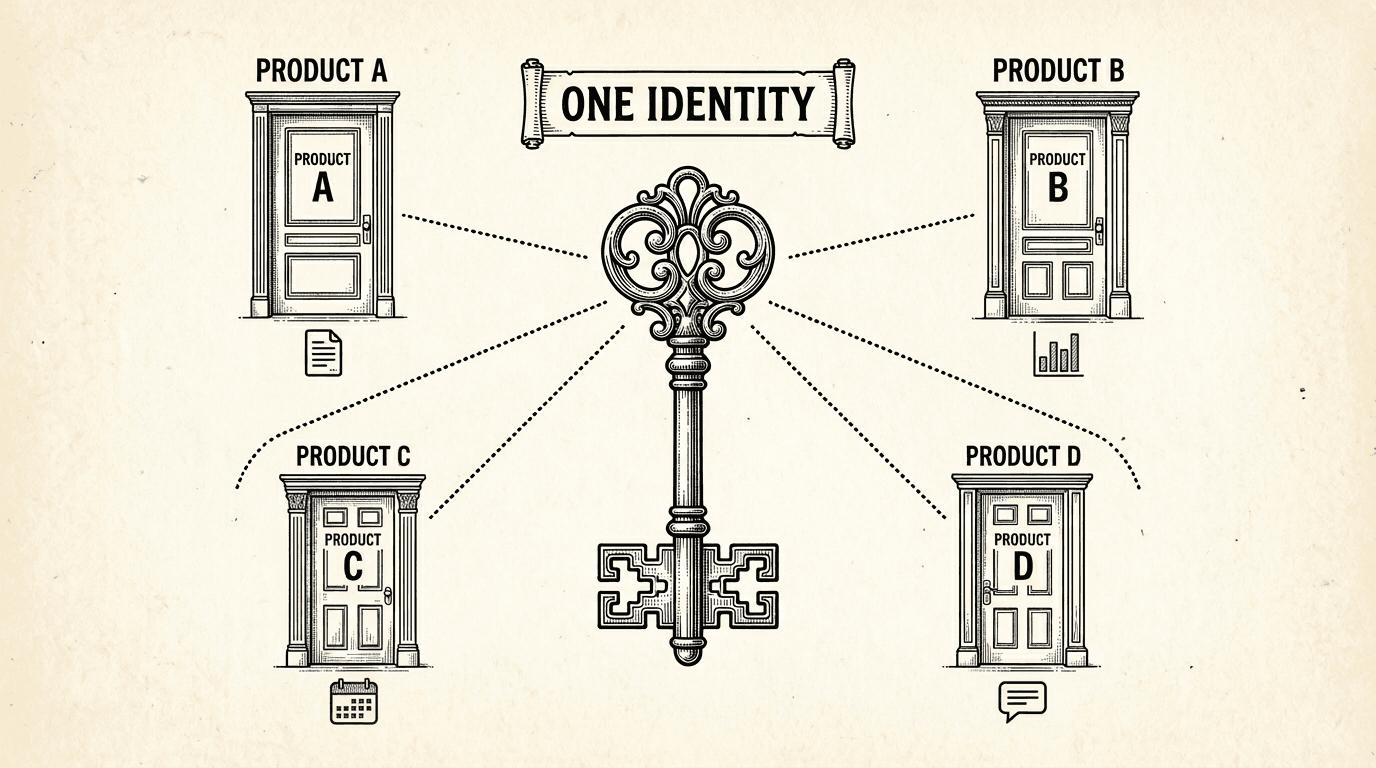
When a user signs up for one product, they have an account for every product in the suite. Here is how shared authentication works under the hood — one login, one identity, every product.
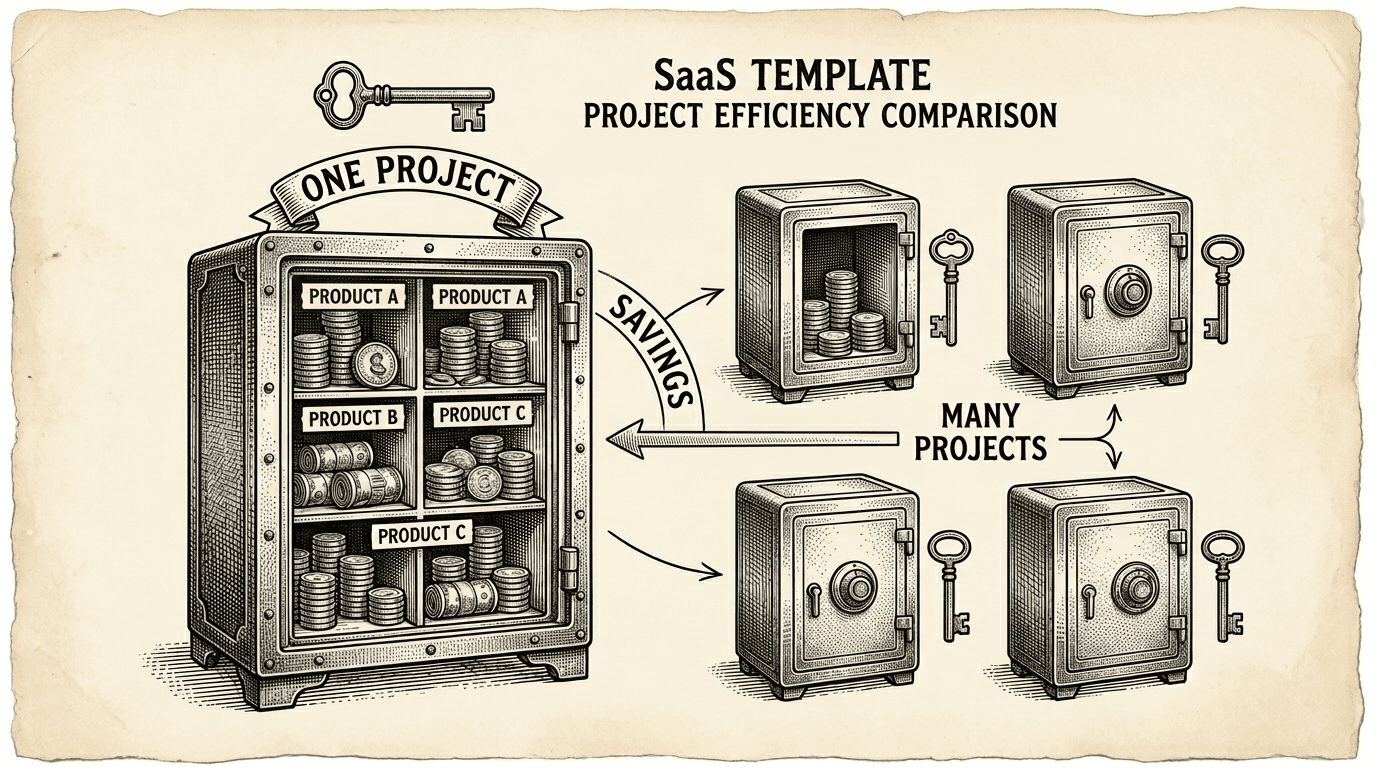
Running multiple products does not mean paying for multiple databases. Here is the practical cost case for the single-project, multi-schema pattern — what it saves, what it costs, and when to split.
